Type a sentence. Get a stunning image in seconds. AI image generation has gone from science fiction to Tuesday morning routine faster than anyone expected. The tools available today are genuinely remarkable but here’s what nobody mentions upfront: every major tool was designed with a specific kind of user in mind. And if you’re a business owner juggling proposals, client work, and a dozen other things, most of them will slow you down before they speed you up. This guide covers who each tool is actually built for, where they shine, where they stop short and why OpenCraftAI was built to fill exactly the gap they leave open.
Whether you’re creating visuals for your website, social media, marketing campaigns, or internal documents, the best AI for image generation is the one that fits how you work. Let’s find it.
Part One
How AI Image Generation Actually Works (Plain English Version)
AI image generators have studied hundreds of millions of images photographs, paintings, illustrations, logos, posters. They’ve learned what things look like, what styles mean, and how to blend ideas together into something new. When you type a description (called a prompt), the AI uses everything it has learned to create a fresh image from scratch.
You don’t need to understand the technology. What matters is this: the quality of what you get depends on how well the tool understands what you’re trying to do and how much setup it requires before it gets there. The best tools are forgiving of vague descriptions. The best tools for business owners go one step further: they understand the context of your work, not just your words.
A prompt is simply a text description of what you want the AI to create. Example: “A professional headshot-style photo of a confident entrepreneur in a modern office, warm natural lighting.” The more specific, the better — though some tools handle vague prompts much more gracefully than others.
Part Two
The Main Alternatives What Each One Is Really Good At
Each of the major AI image tools has earned its reputation for a reason. Here’s an honest look at what makes each one worth knowing about.
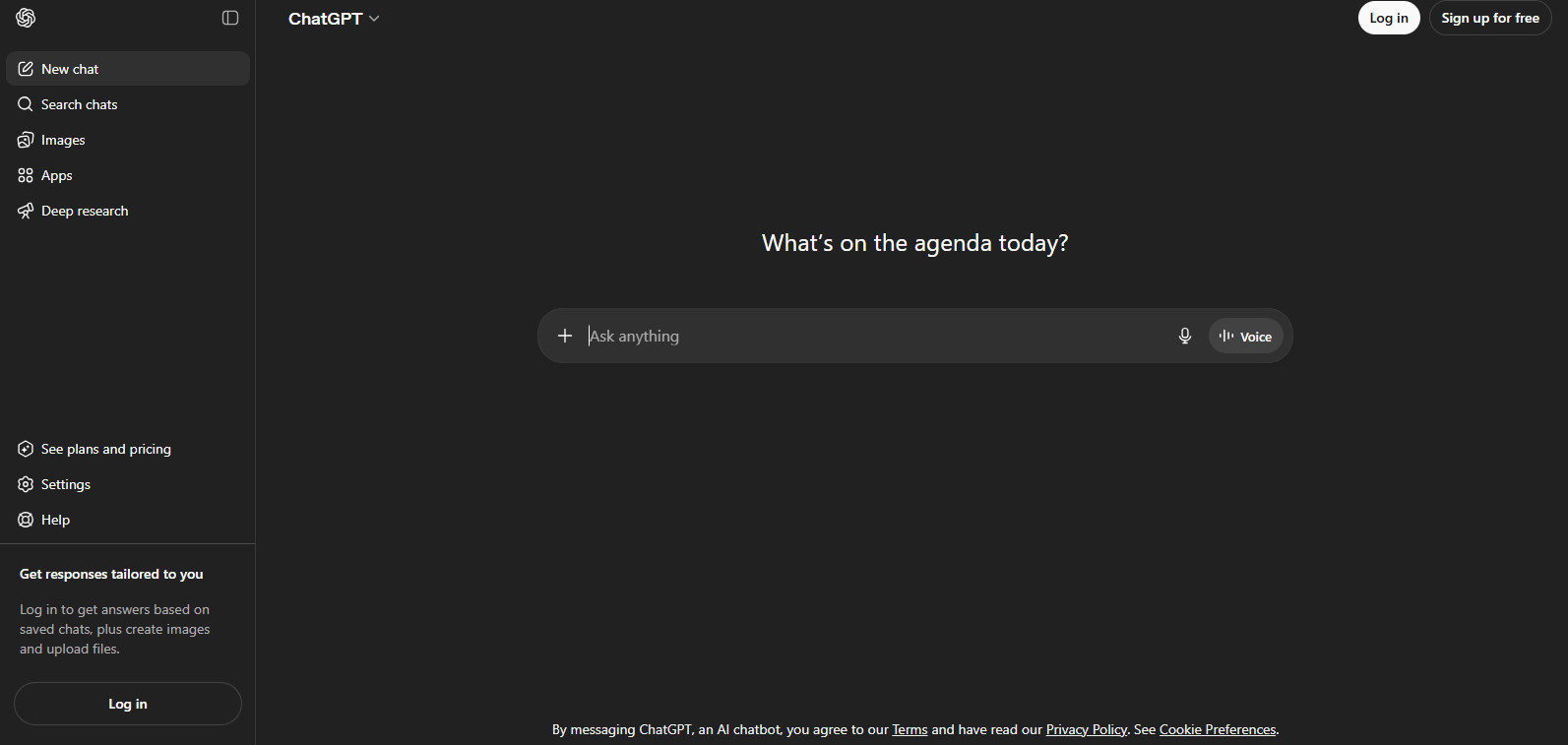
ChatGPT (DALL·E 3) The Easiest Starting Point
If you already use ChatGPT, you have access to DALL·E 3 — and it’s impressive for everyday image creation. The real strength here is conversational refinement: describe what you want, see the result, then say “make the background warmer” or “remove the text.” It understands natural language as well as any tool on this list.
Where it shines: Quick social posts, blog header images, concept mockups, and anything where ease of use matters more than artistic precision.
Where it leaves a gap: It plays it safe by design. Highly stylised, commercially bold, or brand-specific imagery tends to come out looking similar to everyone else’s ChatGPT output. It’s the friendly, reliable option — not the most distinctive.
Price: Included with ChatGPT Plus ($20/month).
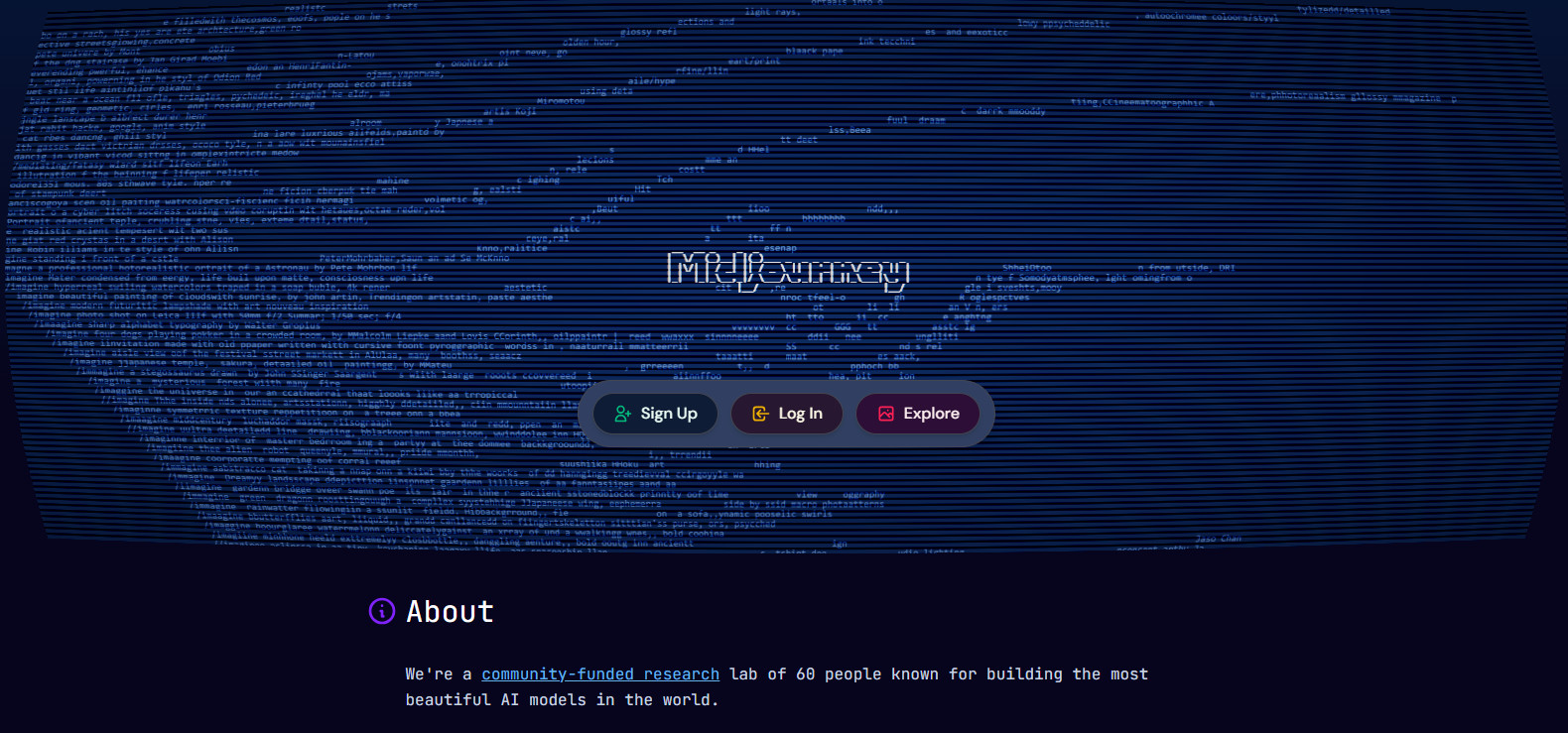
Midjourney -The One That Makes Jaws Drop
Ask any designer which AI image tool produces the most consistently stunning results, and Midjourney comes up almost every time. The output has a quality that feels less like a computer and more like a skilled illustrator — rich textures, cinematic lighting, and compositions that actually look considered.
Where it shines: Creative campaigns, mood boards, concept art, anything that needs to look genuinely beautiful rather than just accurate.
Where it leaves a gap: The learning curve is real. It runs through a web interface that rewards people who invest time learning how to prompt well. For a business owner who needs results in ten minutes, not ten sessions, the upfront investment can feel steep.
Price: From $10/month. No meaningful free tier.
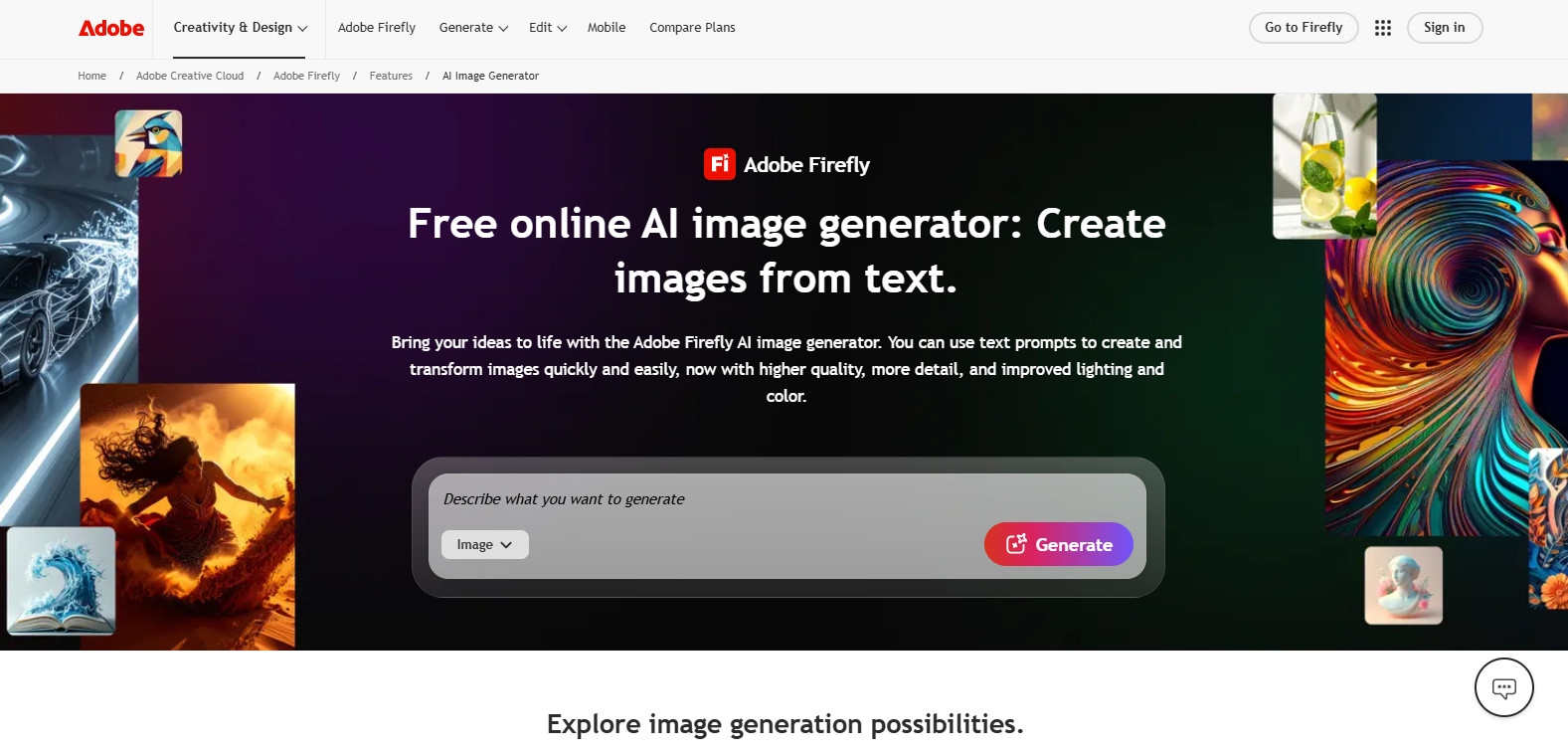
Adobe Firefly- The Copyright-Clear Choice
Adobe built Firefly using only licensed and public domain images, which means everything it generates is commercially safe to use. For anyone making images for a business, a brand, print, or ads that matters a great deal. The output leans clean, professional, and photorealistic.
Where it shines: Marketing assets, product imagery, anything that will be published commercially and needs to be legally watertight.
Where it leaves a gap: The creative range is narrower than some competitors. It excels at professional polish but is less suited for experimental, expressive, or highly stylised work. It also requires an Adobe subscription to unlock its full potential.
Price: Included with Adobe Creative Cloud plans.
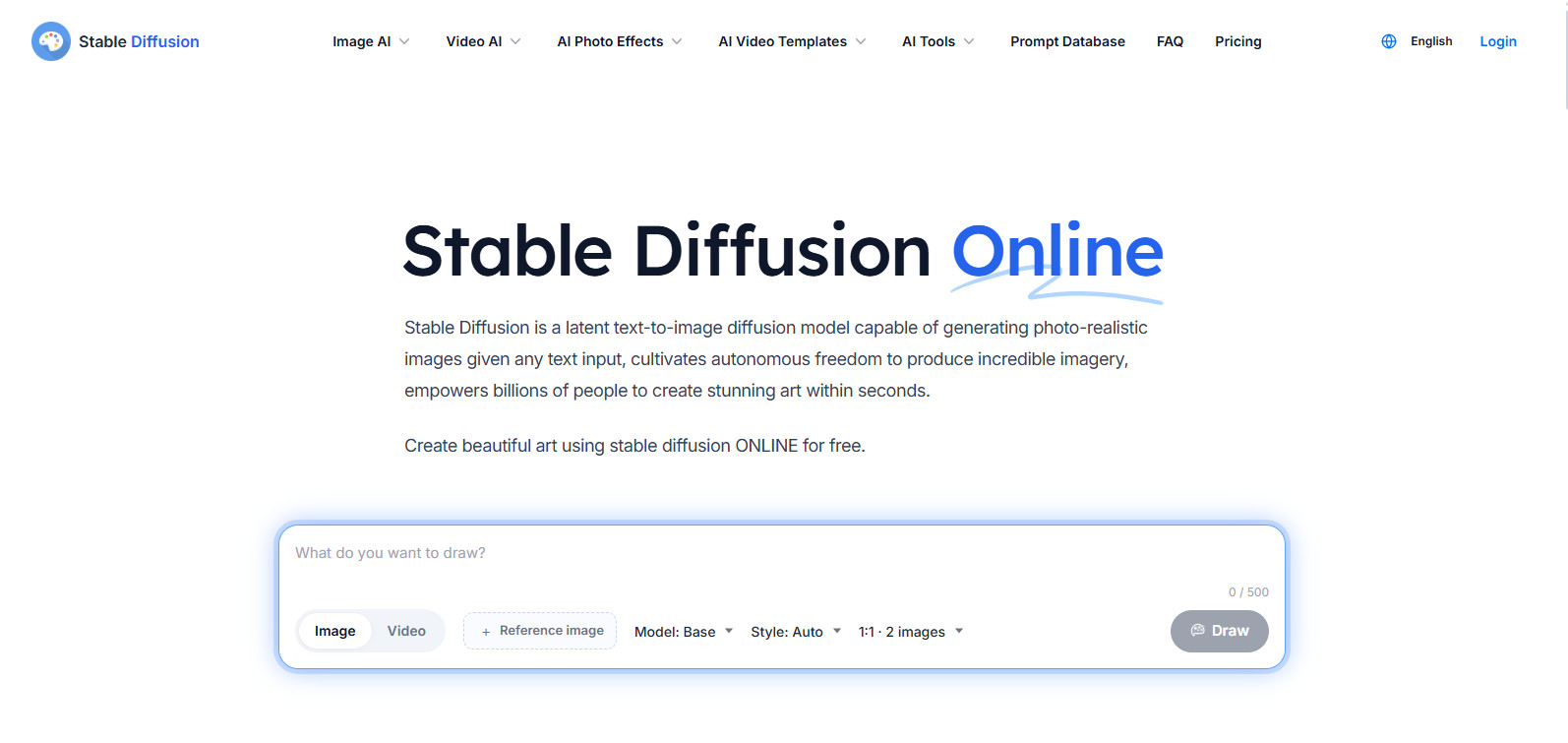
Stable Diffusion -Total Creative Freedom
Stable Diffusion is open source, meaning anyone can download it, modify it, and run it on their own machine. There are thousands of community-built style models — trained specifically on anime, architecture, product photography, fashion, and more. The creative ceiling is essentially unlimited.
Where it shines: Technically adventurous users, developers, and creators who want deep control over every aspect of their image output.
Where it leaves a gap: Setup requires a capable computer and a willingness to navigate technical documentation. For most business owners, the power-to-effort ratio doesn’t work in their favour — at least not without investing significant time upfront.
Price: Free to self-host. Hosted versions from ~$10/month.
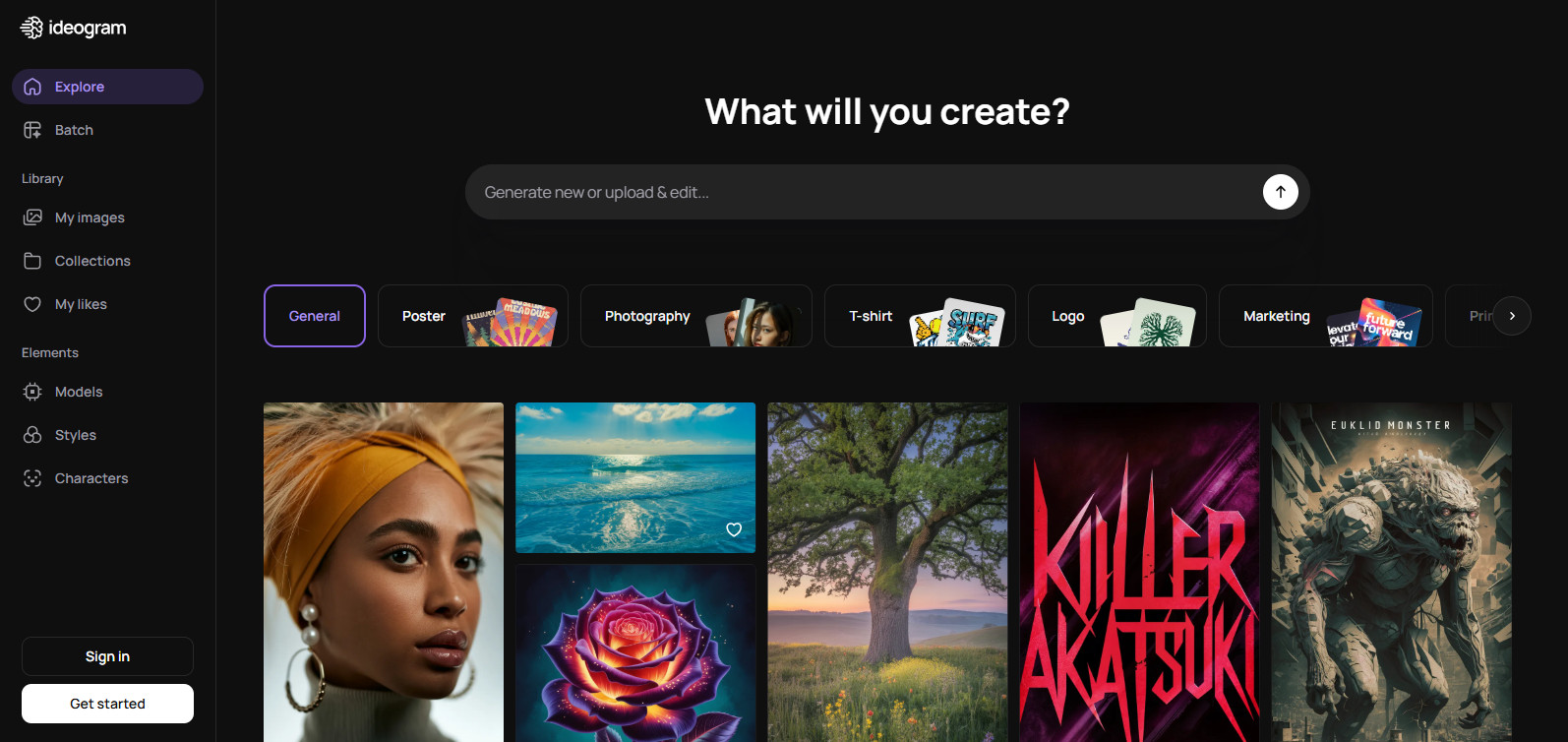
Ideogram – The One That Handles Words
Every other AI image generator has historically struggled with placing readable text inside images. Ask them to generate a poster with a slogan and the result often looks like letters from a parallel universe. Ideogram was built specifically to solve this — and it does it remarkably well.
Where it shines: Posters, social media graphics, YouTube thumbnails, product mockups, event banners — anything where the image needs legible, well-designed text that actually makes sense.
Where it leaves a gap: As a pure creative art generator, it sits behind Midjourney on visual richness. But for text-forward visuals, it has no real competition.
Price: Free tier with daily credits. Paid plans from $8/month.
Google Gemini – The One Already in Your Inbox
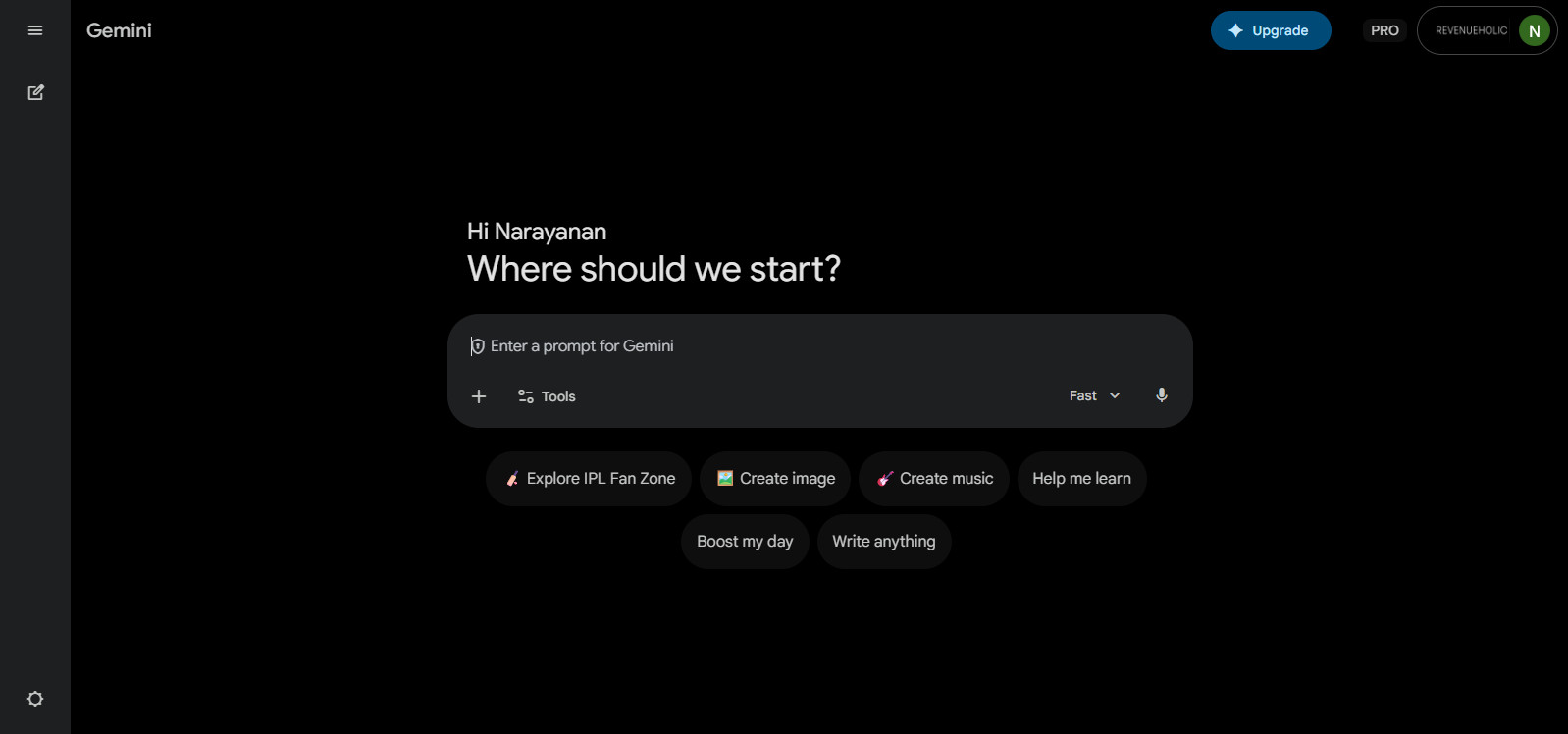
Google Gemini isn’t just a chatbot — it can generate images too, and it’s built right into Gmail, Google Docs, and Google Drive. If your business already lives in the Google ecosystem, Gemini might be the AI image tool you didn’t know you already had. Describe an image, generate it, and drop it into a Doc or Slide without leaving the tab you’re in.
Where it shines: Teams that live in Google Workspace. Quick image creation for presentations, reports, and internal documents — with zero app-switching. The integration with Google’s suite is seamless in a way standalone generators simply can’t match.
Where it leaves a gap: As a dedicated image generation tool, it’s not quite at the artistic level of Midjourney or the commercial clarity of Firefly. It’s most powerful as part of a Google workflow, rather than as a standalone creative tool.
Price: Available with Google One AI Premium ($19.99/month).
Part Three
The Gap Nobody Talks About
Every tool above is genuinely good at what it does. But look at who they were designed for: designers who want artistic output, developers who want flexibility, enterprises who need copyright safety, creators who want to experiment.
Notice who’s missing from that list?
Business owners. People who need a product image for a proposal by 3pm. People who want a polished social graphic that matches their brand without a graphic design degree. People who need AI to understand the context of their work — not just the words in a prompt box.
Every major AI image tool asks you to learn how to use it. OpenCraftAI was built so you could just describe what you need and it figures out the rest.
The gap isn’t about quality. These tools produce great images. The gap is about workflow fit. When you’re running a business, spending 45 minutes learning how to prompt an AI correctly isn’t an investment, it’s a distraction.
Part Four
Where OpenCraftAI Fits In
OpenCraftAI was built around a simple observation: the best AI tool for a business owner isn’t the one with the most features it’s the one that understands what you’re trying to get done and gets out of your way.
Where other tools ask you to choose a model, tune a prompt, pick a style preset, and iterate through five generations to get close to what you wanted OpenCraftAI starts from your business context. You describe the outcome you need. It figures out the how.
No prompt engineering required
You don’t need to learn the “magic words” that make AI tools perform well. OpenCraftAI is designed to understand plain descriptions — the same way you’d brief a colleague, not code a machine.
Built for business output, not just beautiful output
Proposals, marketing visuals, client-facing decks, social graphics, internal documents — OpenCraftAI is optimised for the kinds of images business owners actually need, not just the kinds that win design awards.
One tool, not five
Instead of maintaining separate subscriptions for a writing AI, an image AI, and a research AI — OpenCraftAI brings these capabilities together. Less switching, less context-loss, less monthly spend.
Results in minutes, not sessions
The measure of a good tool isn’t how powerful it is in theory — it’s how quickly it delivers something useful in practice. OpenCraftAI is designed to give business owners results they can use within the first session, not after a learning curve.
You can explore what OpenCraftAI can do for your business at opencraftai.com no setup required, no prompt engineering needed. Most users describe the same experience: it feels like briefing a smart colleague, not learning a new tool.
Part Five
Quick Match Guide -Which Tool for Which Job
| What You Need | Best Tool | Why |
|---|---|---|
| Quick, easy images no fuss Everyday | ChatGPT (DALL·E 3) | Easiest interface, conversational refinement |
| Stunning artistic visuals Creative | Midjourney | Best raw visual quality on the market |
| Commercially safe images for ads/print Business | Adobe Firefly | Built on licensed images — copyright clear |
| Total creative control and customisation Technical | Stable Diffusion | Open source, unlimited style options |
| Images with readable text / posters Graphics | Ideogram | Best in class for text-in-image generation |
| Image creation inside Google Workspace Google Users | Google Gemini | Native integration with Docs, Slides, Gmail — zero app switching |
| Business visuals without the learning curve Best for Owners | OpenCraftAI | Built around business context, not prompt tuning |
Average time to first usable image
Instead of 3–5 separate subscriptions
Prompt engineering sessions required
Part Six
A Few Tips That Work Across Every Tool
Whichever tool you start with, these habits will improve your results immediately:
“A cozy home office” and “a bright, energetic home office” produce completely different images. Emotional and atmospheric words — warm, dramatic, minimal, bold, serene — are some of the most powerful words you can include in any image prompt.
Adding a style direction transforms results: “flat design illustration,” “cinematic photography,” “watercolour,” “editorial magazine style,” “clean product photography.” These give the AI a much clearer creative direction to work from.
Treat AI image generation like a conversation, not a vending machine. Generate, see what’s working, refine your description, generate again. Two or three iterations almost always produce something significantly better than the first attempt.