You’ve probably tried one AI tool, found it useful for some things, annoying for others, and wondered whether you’re just using the wrong one oor whether you’re missing something. That’s not a user problem. Most AI tools were built for developers, enterprise teams, or content farms. Business owners people who write proposals, answer client emails, prep for sales calls, onboard employees, and run operations all in the same day are an afterthought.
This guide is for you. We’re comparing the most talked-about AI tools for business owners right now: what each one is actually good at, where it falls short, and who it’s the right fit for.
How to Think About AI Before Picking a Tool
Most “best AI” lists hand you fifty options and wish you luck. That doesn’t help anyone.
Before anything else, ask yourself one question: What is the single thing eating the most time in your business right now?
If you’re spending three hours a day on email and proposals, you need a writing-focused AI. If you’re losing track of what happened in client calls, you need a meeting assistant. If you want something that can think through decisions with you, answer hard questions, and draft content across the board, you need a general-purpose AI assistant.
Most business owners start there — with a general-purpose AI — and layer in specialized tools later. So that’s where we’ll focus.
The Main Players (And What They’re Actually For)
ChatGPT
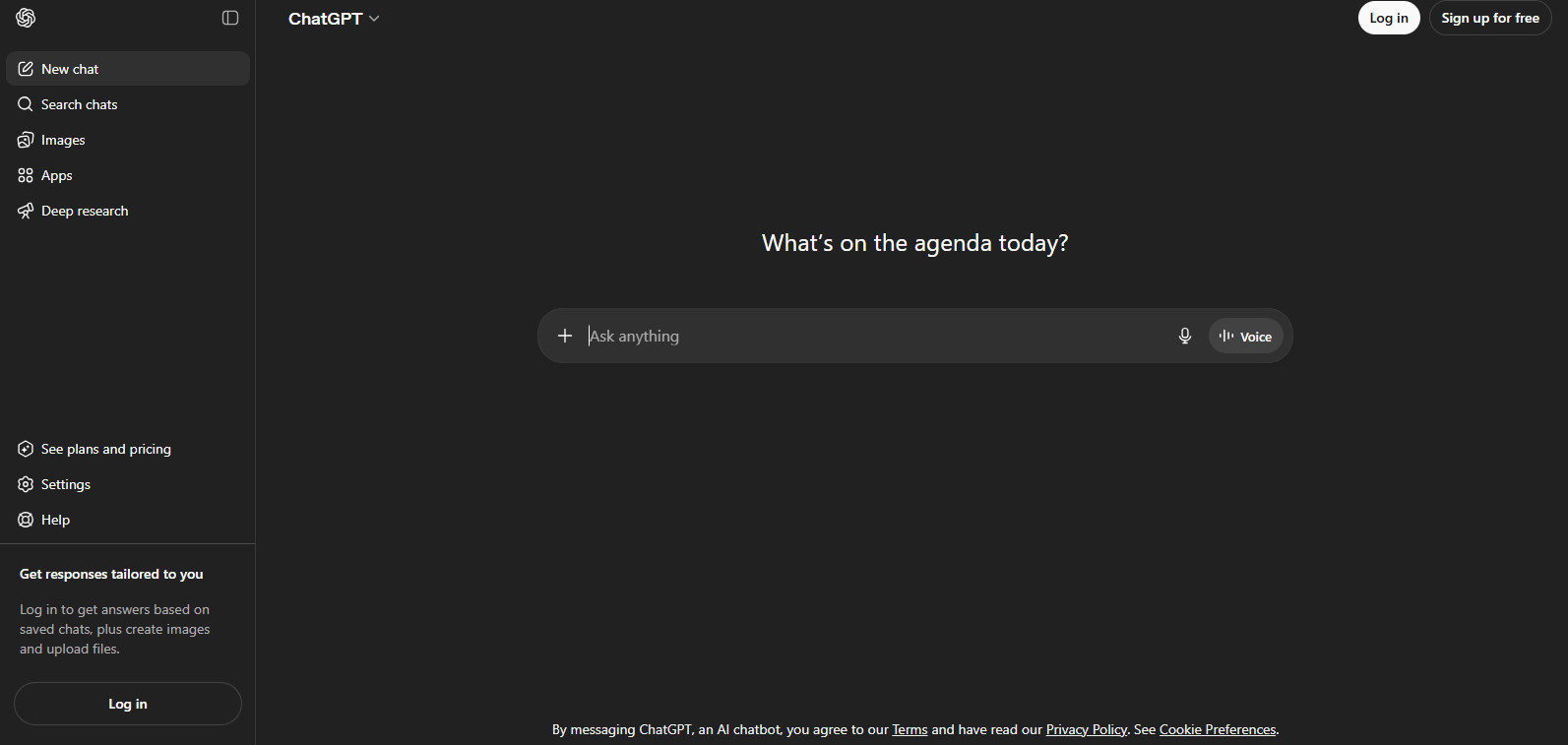
The one everyone knows. ChatGPT (made by OpenAI) is the tool that put AI on the map for most people. It can draft emails, summarize documents, answer questions, write code, generate images, and browse the web on paid plans.
Good for: Getting started, general writing tasks, brainstorming, quick research.
Limitations: Responses can feel generic without careful prompting. The free version doesn’t have web access. Heavy users hit rate limits on the $20/month plan.
Best fit: Business owners who are just getting started with AI and want one tool that does a lot.
Claude
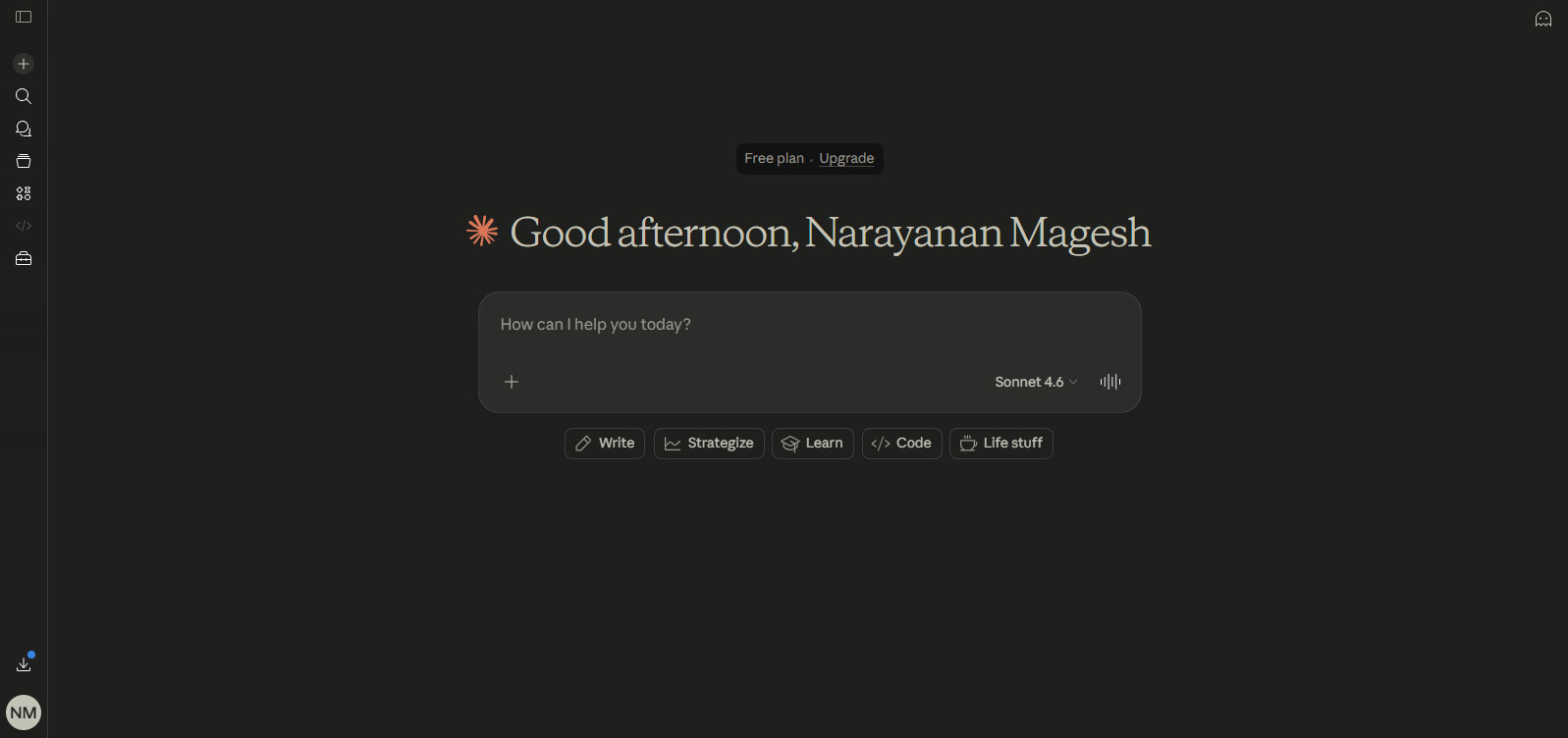
The long-document thinker. Claude (by Anthropic) is strong at reading and summarizing long documents, nuanced writing that sounds like a human, and reasoning through complex problems step by step.
Good for: Reviewing contracts, writing detailed proposals, thinking through strategy, working with large files.
Limitations: Doesn’t have a native image generator. Fewer integrations out of the box.
Best fit: Business owners who work with a lot of documents or need AI help that doesn’t sound robotic.
Google Gemini
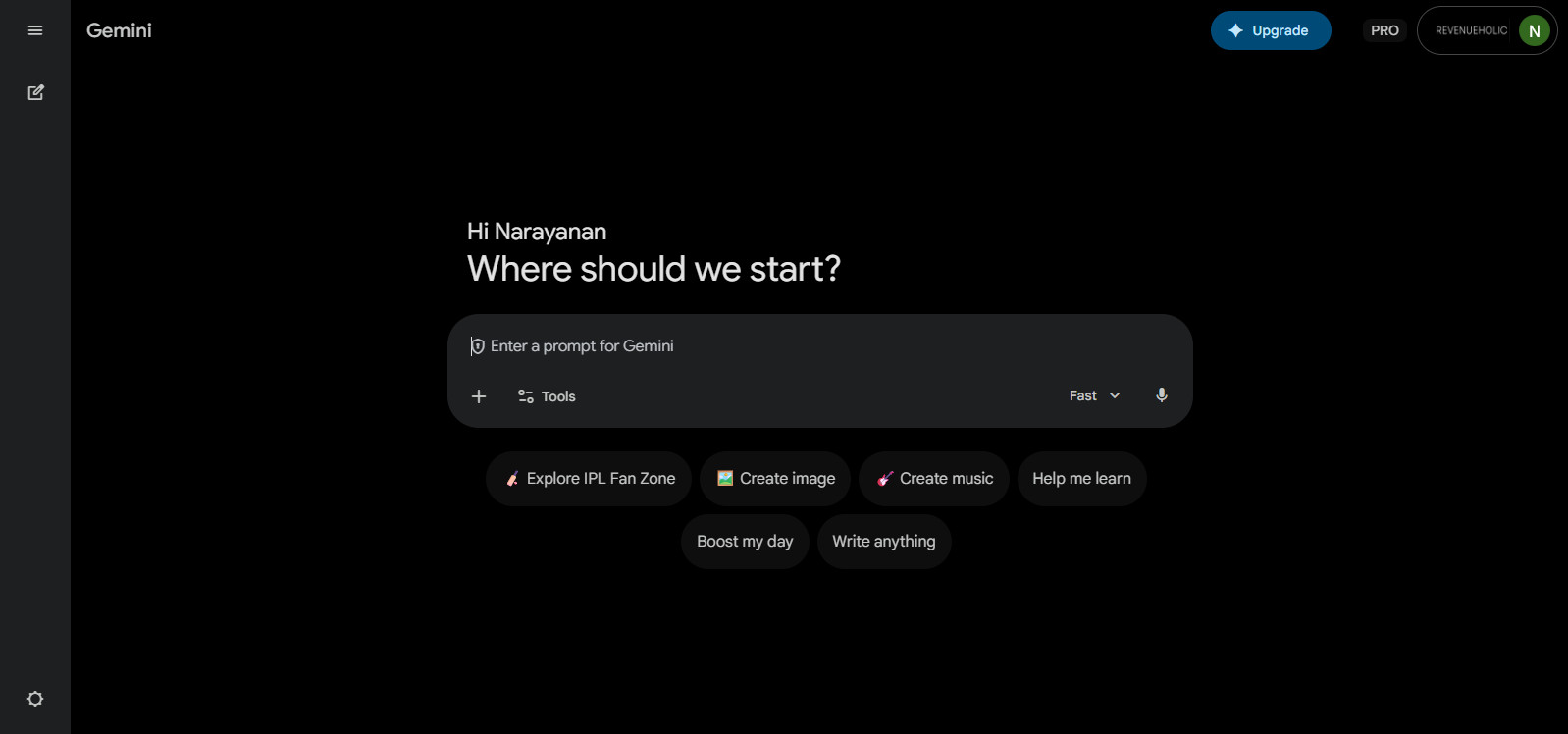
The Google Workspace native. Built directly into Google Docs, Gmail, and Drive — you can summarize a Gmail thread, draft a doc, or pull context from your Drive without copy-pasting anything.
Good for: Teams inside the Google ecosystem, email drafting in Gmail, meeting notes in Google Meet.
Limitations: Less powerful as a standalone reasoning tool. Output quality varies more noticeably.
Best fit: Small businesses that live in Google Workspace and want AI that fits existing workflows without adding a new tab.
Microsoft Copilot
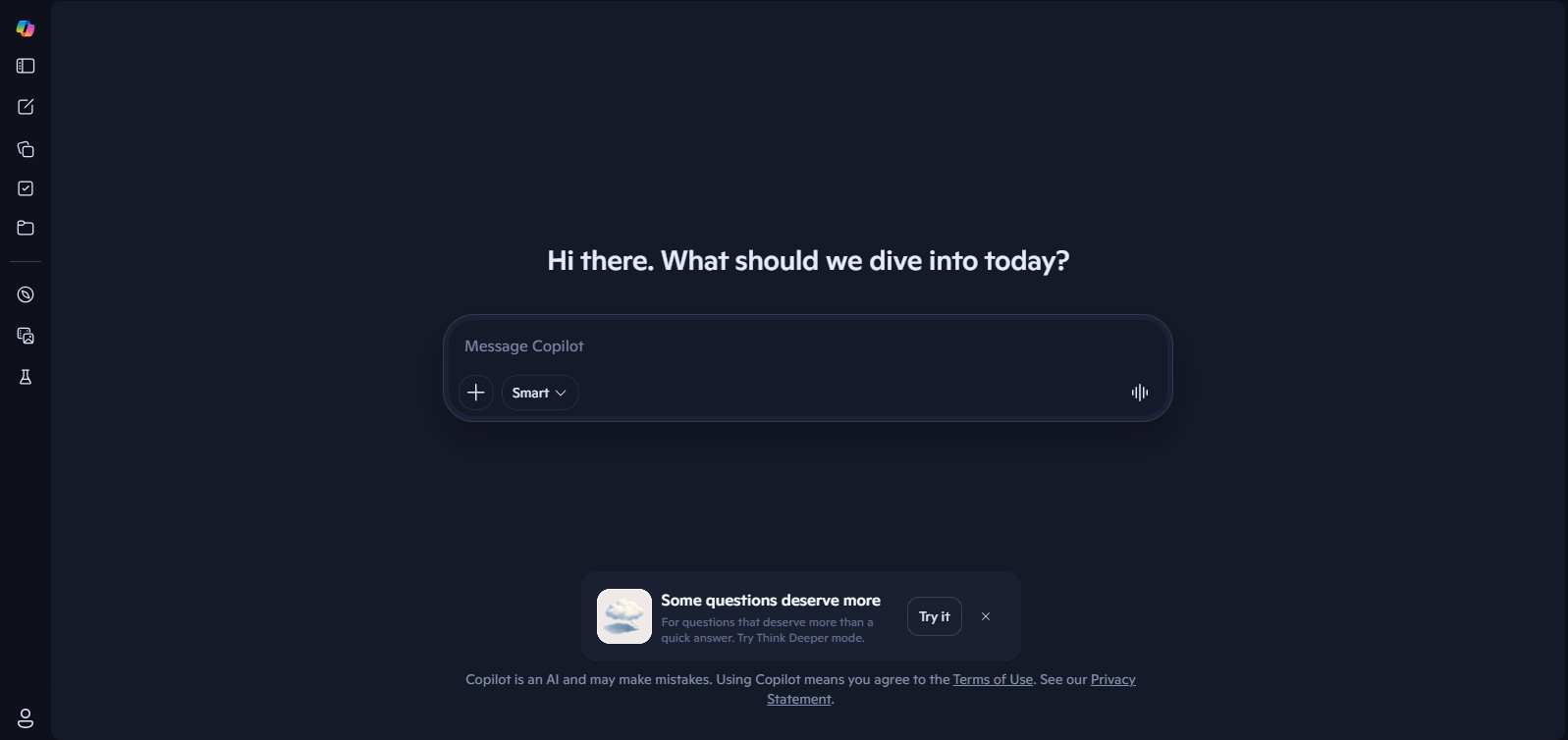
The Office 365 AI layer. Built into Word, Excel, Outlook, and Teams. The Excel integration, in particular, can save a lot of time on analysis and formatting.
Good for: Businesses on Microsoft 365, automating repetitive formatting in Word and Excel, email drafting in Outlook.
Limitations: Requires a Microsoft 365 Business subscription plus Copilot add-on ($30/user/month).
Best fit: Businesses already paying for Microsoft 365 who want AI without switching platforms.
OpenCraftAI
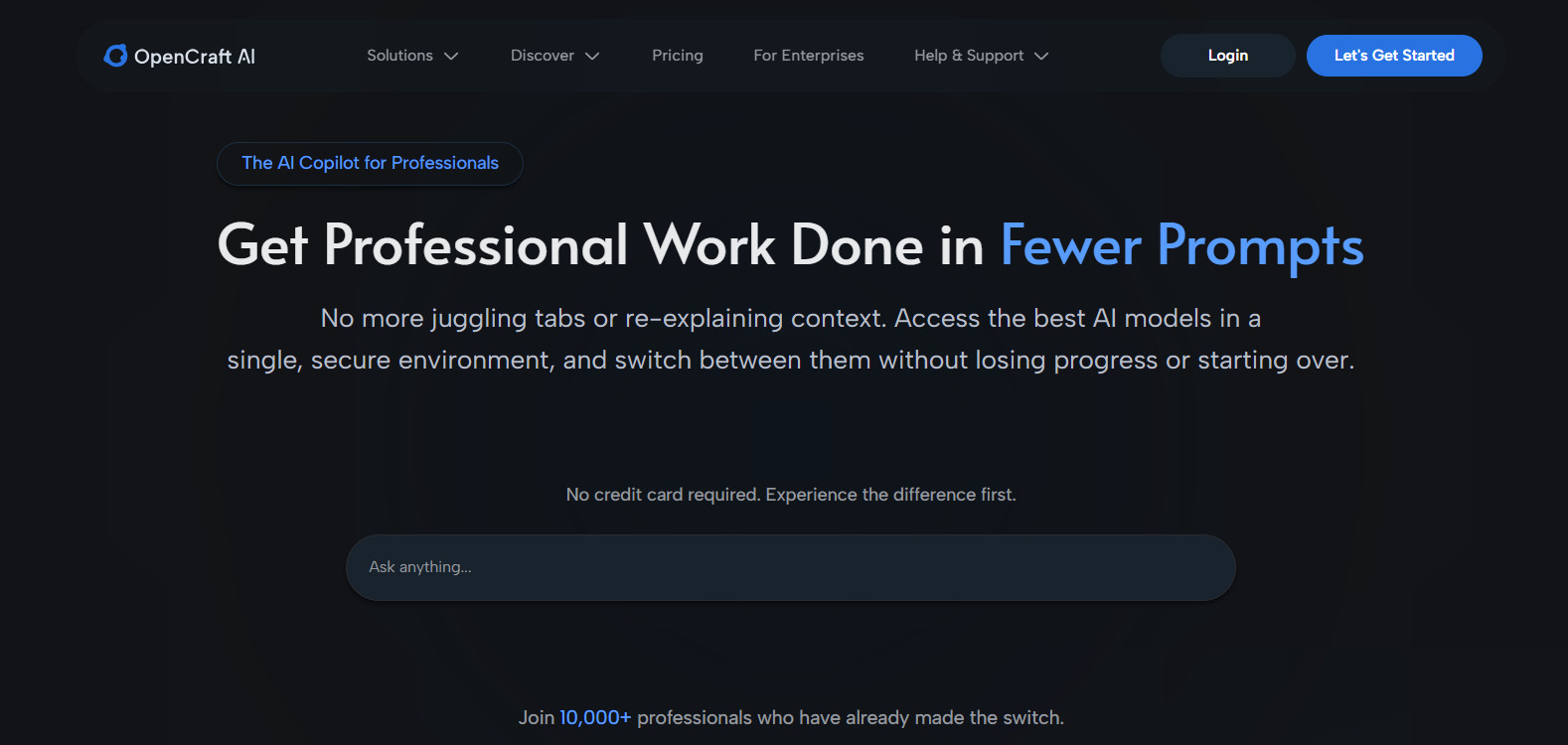
Built for business owners who want one tool that works. Where most AI tools were built to be general — useful for everyone, optimized for no one — OpenCraftAI was designed specifically for business owners and operators who need to move fast across different types of work.
You’re not choosing between a writing tool and a research tool and a planning tool. OpenCraftAI handles all of it in one place, without a prompt engineering learning curve.
Good for: Writing client-facing content (proposals, emails, follow-ups), market research, planning and decision support, summarizing documents, drafting SOPs and training materials.
What makes it different: You don’t need to learn how to “talk to AI.” Describe what you’re working on, and it figures out the best way to help. Less setup, less friction, more usable on a Tuesday morning when you don’t have time to tinker.
Limitations: Newer than ChatGPT and Claude, which means a smaller ecosystem of third-party integrations for now.
Best fit: Business owners who want a focused AI assistant without spending time becoming an AI power user.
A Quick Comparison by What You’re Trying to Do
| Task | Best Option |
|---|---|
| Writing emails and proposals fast | OpenCraftAI, Claude |
| Summarizing long documents | Claude, OpenCraftAI |
| Researching competitors or markets | ChatGPT (web browsing), Perplexity |
| Working inside Gmail or Google Docs | Gemini |
| Working inside Word or Excel | Microsoft Copilot |
| Brainstorming and ideation | ChatGPT, OpenCraftAI |
| SOPs, onboarding docs, training materials | OpenCraftAI, Claude |
| One tool that covers most of the above | OpenCraftAI |
The Honest Tradeoff You’re Making With Every AI Tool
Every general-purpose AI tool makes the same tradeoff: the more it tries to serve everyone, the less precisely it serves you. ChatGPT and Claude are excellent tools — genuinely. But they were built to be used by millions of different people in millions of different ways, which means they need you to do more of the directing.
That’s fine if you enjoy tinkering. It’s a time sink if you don’t.
OpenCraftAI closes that gap by being opinionated. It makes choices about how to structure a proposal draft, what to include in a summary, how to phrase a difficult client email — choices that a general-purpose AI leaves to you.
That’s the tradeoff: slightly less flexibility in exchange for significantly less setup time. For most business owners, that’s the right trade.
Where to Start
Never used AI in your business
Start with ChatGPT or OpenCraftAI. Both have free or low-cost entry points and cover enough ground to be immediately useful.
Already using AI but it feels like more work than it should be
That’s a signal to try a tool built for how you work. OpenCraftAI is worth testing — you can tell within 20 minutes whether it fits.
Your business runs inside Google Workspace or Microsoft 365
The native AI tools for those platforms are worth exploring because they eliminate the copy-paste step entirely.
There’s no single best AI for every business owner. But there is a best AI for you — and it’s whichever one you’ll use consistently without it becoming a project. Most business owners who try OpenCraftAI describe the same thing: it removes the 10-minute “setup tax” that makes other AI tools feel like work before the real work starts. For people who are already stretched thin, that matters.