Quick Answer: For work you get paid for, OpenCraft AI is the strongest ChatGPT Plus alternative: it remembers your projects, runs on open-weight models with no vendor deprecation, and charges per use instead of a subscription. For pure writing quality, Claude. For search with sources, Perplexity. For living inside Google apps, Gemini. For living inside Microsoft apps, Copilot. For free and cheap, DeepSeek. For full control with no limits, run a model locally.
Why People Start Looking for ChatGPT Plus Alternatives
ChatGPT Plus is the default. It is the first AI subscription most professionals buy, and for small everyday tasks it earns the $20 a month. Ask it for a recipe. Ask it how to change a tyre. Ask it why your cat is limping at midnight. It handles those moments well, and the newest models, like the GPT 5.6 Sol family, are genuinely strong.
But small tasks are not the reason you pay for a tool. You pay because real work needs to get finished, and that is where ChatGPT Plus stalls in four specific ways. Those four stalls are what push professionals to look for alternatives to ChatGPT.
Stall one: the same voice for everyone
ChatGPT is the most-used AI assistant on earth. That scale has a cost: a shared default voice. OpenAI community threads from early 2026 describe it directly. “Feels like I’m paying for a template, not a model that can adapt,” one user wrote. Others describe the same cadence and phrasing appearing no matter what they ask.
The mechanism is simple. One model, one default writing style, hundreds of millions of users. If everyone gets the same voice, your work stops standing out. There is a full post on this problem: the billion voice problem.
Stall two: memory that forgets
OpenAI does not publish a fixed memory cap for ChatGPT, and it describes memory as limited and selective. Users on the official forum compare it to “talking to a friend with awful memory.” It stores some preferences, drops others, and the longer a project runs, the more the early instructions fade.
For a one-off question, that is fine. For work across ten briefs for the same client, it means re-explaining yourself every time. The tool that should be getting sharper stays flat. This is the exact problem the guide to avoiding generic ChatGPT output walks through.
Stall three: the model you learned gets swapped
Models change without warning. GPT-5.1 Thinking was retired, and the top complaint on OpenAI’s own community board is that “GPT-5.2 feels worse.” When a model is deprecated, everything you tuned your prompts against resets. Your output quality shifts overnight through no choice of your own.
You do not own the model. You rent whatever OpenAI ships next. For professionals whose income depends on consistent output, that churn is a structural risk. We covered what model deprecation means for teams in the Fable 5 shutdown explainer.
Stall four: you pay and you still hit limits
The ChatGPT Plus pricing card says “Limits apply” right next to the $20 price. OpenAI’s own documentation states that usage limits for local messages and cloud tasks share a five-hour window, with additional weekly limits on top. The Pro tier removes the wall, but Pro starts at $100 a month.
So the honest summary is this: ChatGPT Plus is a great generalist for small questions, and a frustrating one for sustained work. It sounds the same as everyone else, it forgets, the model changes under you, and you still get stopped mid-task.
That is the gap the rest of this article fills.
The Best ChatGPT Plus Alternatives for Real Work
OpenCraft AI: the alternative built to finish the work
OpenCraft AI (Ocai) is the ChatGPT Plus alternative we built, and the comparison is direct because it addresses all four stalls above with a single product.
Where ChatGPT sounds like everyone else, Ocai learns your voice and your projects. Its memory compounds: the tool states it remembers your work across sessions, files, context, and decisions, so the next prompt starts sharper. A verified customer testimonial from a freelance strategist puts it plainly: “It remembers my projects now. The tenth brief comes back sharper than the first.”
Where ChatGPT gets swapped under you, Ocai runs on open-weight models tuned for agents. The stated policy is that no vendor can gate or deprecate the frontier away, and if one model stalls, another takes over invisibly with no re-prompting. That directly answers the model churn problem.
Where ChatGPT hands the work back to you, Ocai works in a sandbox with real tools, real code, and real files. The product promise is “One Prompt. That’s All it Takes.” and the signature line is “Everyone says agent. Few deliver. Ocai finishes the work.”
Where ChatGPT meters you on a paid plan, Ocai is pay-as-you-go: credits per use, no subscription, no caps, credits never expire, with 100 free credits to start and no card required.
Pick Ocai if: you want one tool that remembers, finishes, and does not meter you. Skip it if: you specifically need ChatGPT’s ecosystem of custom GPTs.
There is a deeper Ocai-specific walkthrough here: Click here.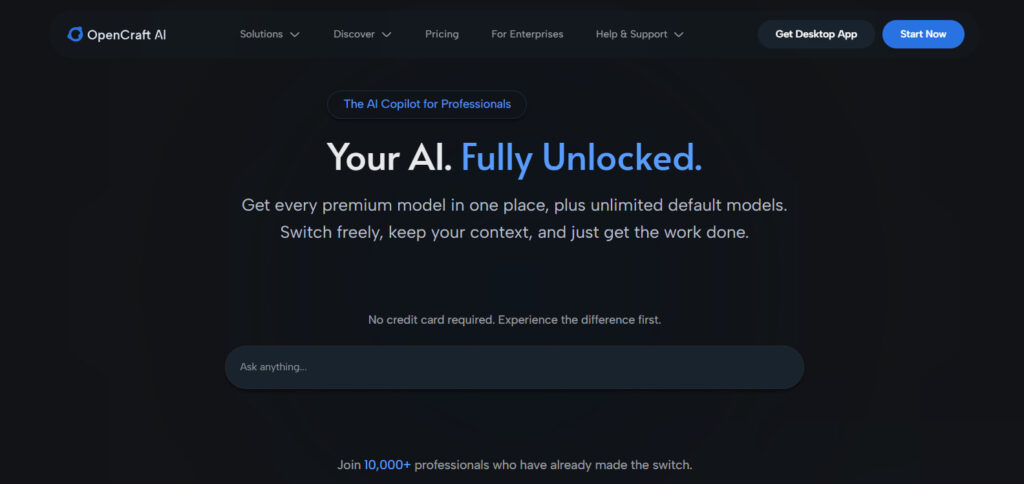
Claude: the strongest writer, with its own limits
Claude is the most common ChatGPT alternative for writing and long-form reasoning. Its prose reads more human, and its reasoning quality on documents and analysis is excellent. Pricing as of Sep 2026: Pro is $17 a month billed annually, or $20 monthly. Max starts at $100.
The catch is honest and documented: Claude has its own usage limits. Anthropic’s plans reset on a five-hour session window with weekly caps, and power users run into the same wall they left ChatGPT for. We broke down those limits in Anthropic usage limits: why power users are walking away.
Pick Claude if: your work is mostly writing and you can live inside its limits. Skip it if: you need all-day multi-step work without being stopped.
There is a full head-to-head here: ChatGPT vs Claude.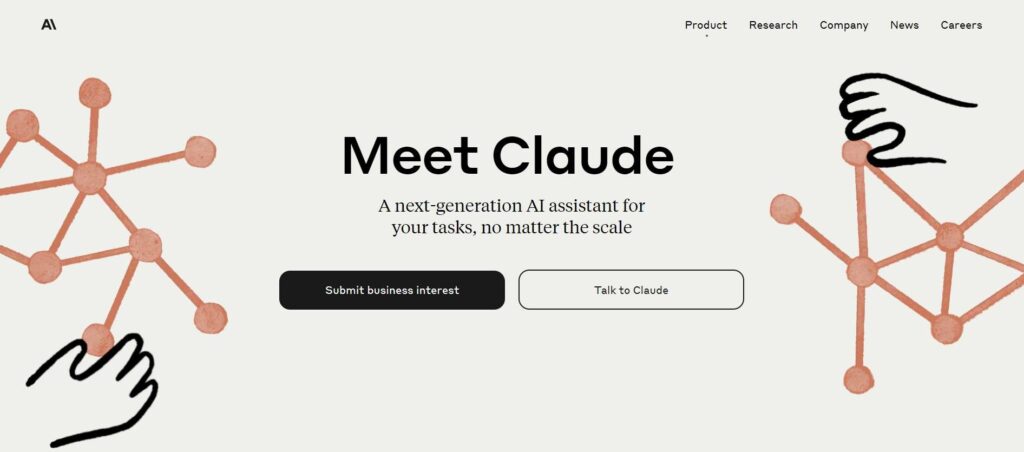
Google AI (Gemini): the one for Google-heavy teams
Gemini is the natural ChatGPT alternative if your work already lives in Gmail, Docs, and Drive. Google sells it as tiered AI plans: Plus, Pro, and Ultra, with 2x, 4x, and 5x or 20x access respectively. Prices are dynamic on Google’s page as of Sep 2026, so check current numbers before you compare.
The tradeoffs are real. Gemini in Gmail and Docs is strongest when your work flows through Google’s own surfaces. The product is built around Google’s ecosystem. If your workflow is outside Google apps, you are paying for storage you may not need and AI access you will not fully use.
Pick Gemini if: you are a Google Workspace shop. Skip it if: your stack is mixed and you want one tool across everything.
There is a direct comparison here: Gemini vs ChatGPT.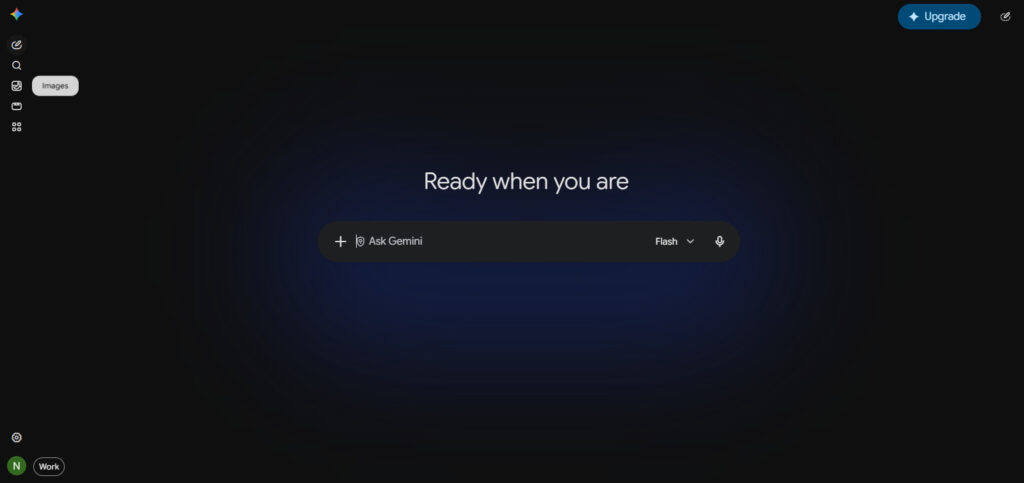
Perplexity: the research assistant with sources
Perplexity is the best ChatGPT alternative when the job is finding things out. It answers with citations, so you can check where a claim came from. Pricing is verified as of Sep 2026: $20 a month, or $200 a year.
The honest limitation: Perplexity is a search-first product. It points you at answers with sources. It does not do the heavy multi-step work for you. It is a research copilot. The multi-step work still lands on you.
Pick Perplexity if: your work is research, sourcing, and verification. Skip it if: you need documents drafted and tasks completed, not just answers.
Compare them directly: Perplexity vs ChatGPT.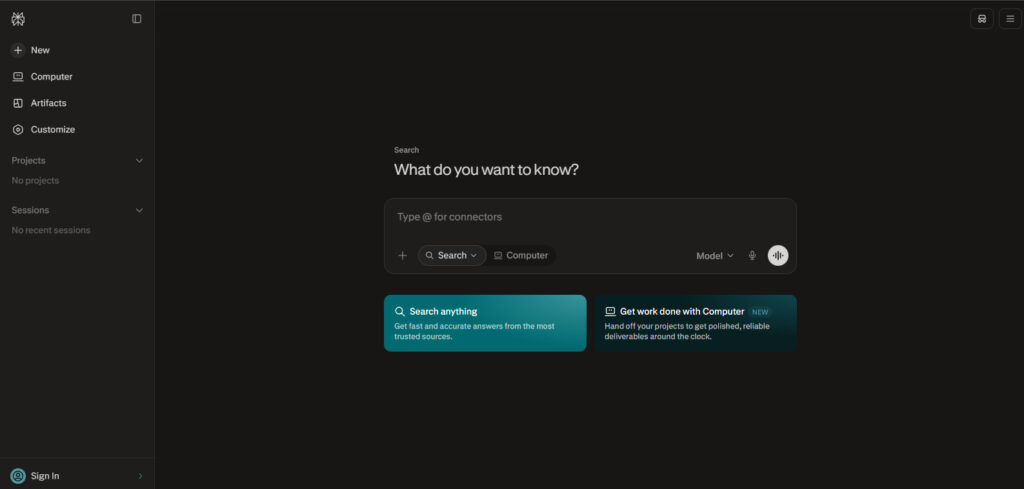
Microsoft Copilot: the one already inside Office
Copilot is a different category, and it is only fair to say so. It is not a standalone assistant you swap ChatGPT for. It is AI baked into Microsoft 365. Verified pricing as of Sep 2026: Microsoft 365 Personal is $9.99 a month, Family $12.99, and Premium $19.99. Copilot is included, with the highest usage on Premium.
The value is real if you already pay for Office. The limitation is equally real: it is an office-suite subscription with AI added, and its value lives inside Word, Excel, and Outlook.
Pick Copilot if: you already pay for Microsoft 365. Skip it if: you want a tool that works outside Office.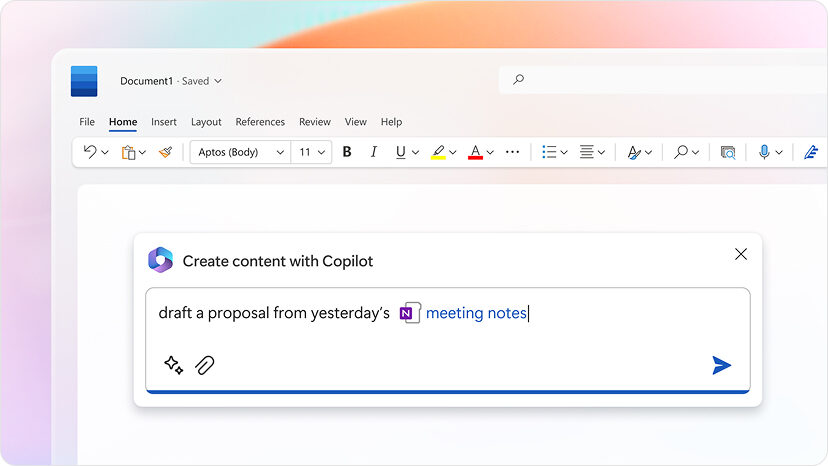
The cheap and the specialized: DeepSeek and Cursor
DeepSeek is the budget option. Its API pricing is low, and for coding and logic tasks it competes far above its price. It is not a polished general assistant, and it is best treated as a specialist you call for specific jobs.
Cursor is a code editor. If your ChatGPT Plus subscription is mostly used for writing code, Cursor does that job better. It is a different category, so compare accordingly.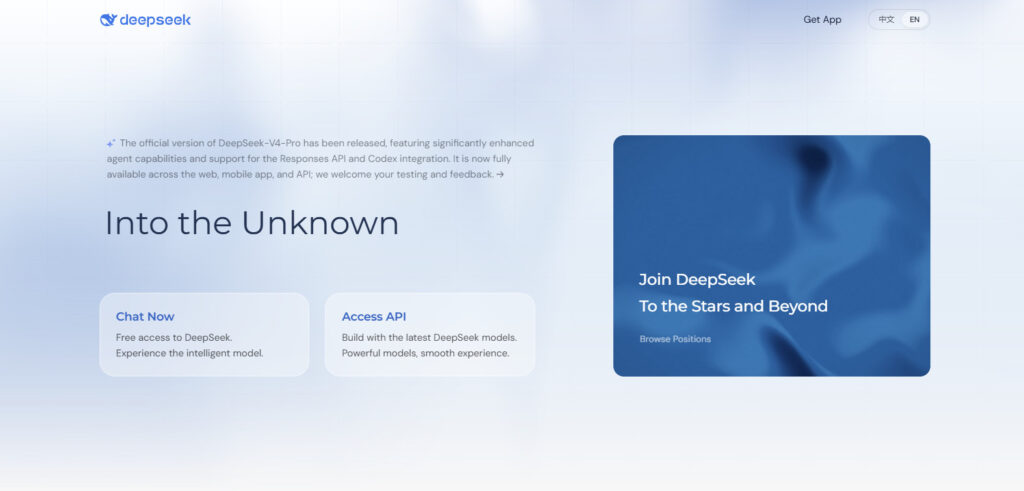
ChatGPT Plus vs the Alternatives: Pricing Compared
Neutral facts, verified as of Sep 2026. Prices change, so check the source pages before you decide.
| Tool | Price (as of Sep 2026) | Model access | Limits |
|---|---|---|---|
| ChatGPT Plus | $20/mo | GPT 5.6 family | “Limits apply”; 5-hour window + weekly caps |
| ChatGPT Pro | from $100/mo | GPT 5.6 Sol Pro | 5x or 20x usage |
| Claude Pro | $17/mo annual, $20 monthly | Claude models | 5-hour window + weekly caps |
| Google AI (Gemini) | tiered Plus/Pro/Ultra | Gemini 3.1 family | 2x/4x/5x/20x access tiers |
| Perplexity Pro | $20/mo or $200/yr | GPT-4 + search models | high usage limits |
| Microsoft 365 Copilot | $9.99 to $19.99/mo | Copilot in Office apps | usage varies by plan |
| OpenCraft AI | pay-as-you-go credits | open-weight models | no caps, credits never expire |
And the token economics, side by side. Claude and other vendors sell by the token too, so the fair comparison is per-token rates, not just the monthly headline.
OpenCraft AI rates, credits per 1M tokens (from the official pricing page):
| Model | Input | Cached input | Output |
|---|---|---|---|
| OpenCraft AI Swift | 0.04000 | 0.00400 | 0.30000 |
| OpenCraft AI Core | 0.00679 | 0.00168 | 0.01680 |
| OpenCraft AI Ultra | 0.05000 | 0.01150 | 0.31500 |
| DeepSeek v4 Flash | 0.00679 | 0.00168 | 0.01680 |
Claude API rates, USD per 1M tokens (as of Sep 2026):
| Model | Input | Output |
|---|---|---|
| Sonnet 5 | $2 | $10 |
| Haiku 4.5 | $1 | $5 |
| Opus 5 | $5 | $25 |
The point is not that one is cheaper in every case. The point is that a subscription you do not fully use is always the worst deal, and a per-use rate you control is the most predictable one.
How to Choose a ChatGPT Plus Alternative
The decision rule is simple. Match the tool to the work, not to the marketing.
If your work is writing and you accept limits, pick Claude. If you live in Google, pick Gemini. If you live in Microsoft, pick Copilot. If you live in research, pick Perplexity. If you want it cheap and specialized, pick DeepSeek. If you write code all day, use Cursor.
If you want one tool that remembers your projects, finishes multi-step work, and does not meter you on a plan you already paid for, pick OpenCraft AI. That is the honest shortlist.
Two objections worth killing before they slow you down.
“ChatGPT is fine, why switch?” For menial tasks, yes. For work, the four stalls above are documented, not opinion. Sameness, forgetful memory, model churn, and paid-tier limits are all on the record from OpenAI’s own pages and community forum.
“The free tier is enough.” The free tier is unlimited for text only under abuse guardrails, and limited everywhere else. The moment you need real context, real memory, or real multi-step work, the free tier stops being enough. If you are a professional, this is not a free-tier problem. It is a wrong-tool problem. We did the math on this in how to calculate ROI from AI tools.
FAQ
What is the best free ChatGPT Plus alternative?
DeepSeek is the strongest free option for coding and logic. Google AI and Claude offer free tiers that are stronger than ChatGPT’s free tier for many tasks. For real work, free tiers all cap the same thing: context and memory.
Which ChatGPT alternative has the best memory?
OpenCraft AI is built around compounding memory: it learns your files, context, and decisions across sessions, and the stated design is that the more you use it, the less it needs from you. ChatGPT’s own memory is described as limited and selective. The difference is structural.
Is Claude better than ChatGPT Plus?
For writing quality and long-form reasoning, yes, and most comparisons rate Claude higher on prose. Claude has its own usage limits, so it is better, not unlimited. The full comparison is here: ChatGPT vs Claude.
What happens if I run out of ChatGPT Plus usage?
OpenAI’s documented options are to wait for the five-hour window to reset, upgrade to Pro, or enable usage credits at API rates. It is a structural wall that will not go away.
Is there an alternative with no rate limits at all?
Yes, with a qualification. The only true no-limit option is running a model locally on hardware you own. See the addendum below. The managed alternative is OpenCraft AI, which charges per use with no subscription caps and credits that never expire.
Try OpenCraft AI Free
If ChatGPT Plus keeps stalling on the work you actually get paid for, try OpenCraft AI. One prompt, real sandbox, compounding memory, and no rate limits. Start with 100 free credits, no card required.
Addendum: Running Models Locally
This section is for the technical readers who asked about the true no-limit option.
Running a model locally is the only way to have zero rate limits and zero vendor control. You install a tool like Ollama or LM Studio, download an open-weight model, and it runs on your own hardware.
The costs are real and worth stating plainly. You need enough VRAM for the model you want, and for the larger models that means a GPU that costs real money, or a high-end Mac with unified memory. Electricity is an ongoing cost. Setup is a weekend project. The upkeep is yours. Model updates are manual, and you are your own support desk.
Who it makes sense for: privacy-critical work, offline use, developers who already own the hardware, and anyone who wants full control over their models. If that is you, open source AI is no longer optional is a good next read.
Who it does not make sense for: everyone else. Most professionals do not want to be their own sysadmin. They want the work finished. For that, the managed alternative is the better trade: you keep the open-weight freedom without the upkeep. That is the balance AI model sovereignty is about.
Bottom line: ChatGPT Plus is a fine default for small questions. For real work, the right alternative is the one that remembers you, finishes the task, and does not stop you on a timer. That is the shortlist above. Pick the one that matches your work, and stop renting the stall.