Quick Answer: The best AI tool for SEO writing depends on what breaks first in your day. Surfer wins at scoring, Frase at research-led outlines, Jasper at templates, Koala at fast rough drafts. What almost none of them do is remember your voice, your research, and your corrections between sessions, so you stay the person copying between tabs. For the full pipeline from brief to publish, OpenCraft AI is the one that holds the thread. It runs on open models, remembers your work across sessions, and drafts in one pass. Start with 100 free credits and test it on one real brief before you pay for anything else.
It is not your fault. These tools were each built to own one slice of the job. The marketing pages just never say so. This guide breaks down each tool: what it does, where it wins, what real users complain about, and what you actually pay. Then it shows the option that ties the slices together.
What Makes a Good AI SEO Writing Tool
Before naming tools, here is the checklist I use when I test one.
A good AI SEO writing tool has to do four jobs: research the query, draft the copy in a voice you can steer, optimize against what already ranks, and hold the thread between sessions so you do not re-teach it every Monday.
Most tools nail one job and pretend the other three are included. The test is not which tool demos best. It is which tool is still useful at post number twelve, when the voice card, the research notes, and last week’s corrections all need to be in one place.
I also score the tools on a second question now: does it help you rank inside AI answers, not just on Google. Every vendor now sells this as AI visibility, GEO, or AEO. Plain English: it means showing up when someone asks ChatGPT or Perplexity a question instead of typing a Google search. That is where the traffic is moving, and most SEO writing tools are still built for the old game.
Best AI SEO Writing Tools, Reviewed One by One
Here is what each tool actually does, with pricing and the complaints real users leave on G2 and Reddit.
Surfer SEO
What it does: Surfer is an on-page optimizer. It analyzes the pages already ranking for your keyword and scores your draft against them. You get a Content Score, a list of terms to include, and a structure comparison. It now also tracks whether your page appears in AI answers.
Where it wins: Surfer is the best at the scoring slice. If you already have a strong draft and want a checklist to tighten it, Surfer is genuinely good. The briefs are fast and easy to hand to a writer.
What users complain about: The pricing is the recurring theme on G2 and Reddit. Users call it expensive once you add seats or use it across many projects. A second theme is that the briefs feel formulaic. Follow the recommendations literally and the content starts to sound templated. The biggest one: a Content Score is not a ranking guarantee. Several reviews note the score went up and the rankings did not move.
The catch: The copy still comes from you or another tool, which is why most people end up stacking it with a writer.
Pricing: From $49 a month on the entry plan, billed yearly. Upper plans run $99, $182, $299, and $999 a month. Verify current prices before you quote them.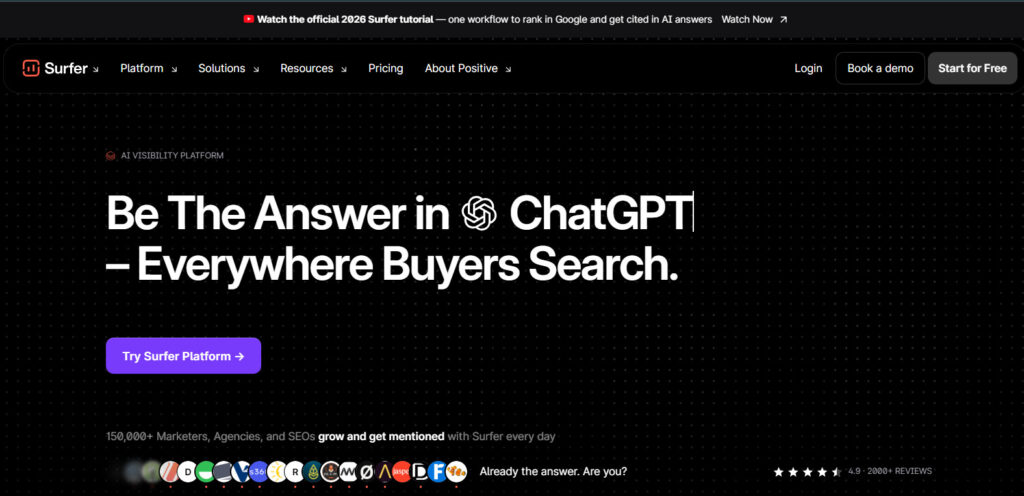
Frase
What it does: Frase sits on the research side. It pulls the top results for a keyword, builds an outline from what is already ranking, and drafts from that outline. It has since added publishing to WordPress and Webflow, plus a Content Guard feature that rewrites decaying pages.
Where it wins: Frase is the best at making sure you cover the subtopics the SERP expects. For competitive topics where structure decides whether you rank, that matters.
What users complain about: The drafts read like outlines expanded into paragraphs. On G2 and Reddit, users say the writing still needs heavy editing for accuracy and tone. A second complaint is limits: articles and credits are capped by plan, and overages can catch teams that produce at volume. A third is pricing value for small teams.
The catch: Frase’s loop is a content loop, not a work loop. It publishes. It does not carry your voice, your client context, or your research from your other work into the next job.
Pricing: From $39 a month billed yearly for the starter plan. Higher plans run $103 and $239 a month. Monthly billing costs more, and article caps apply, so check current limits before you commit.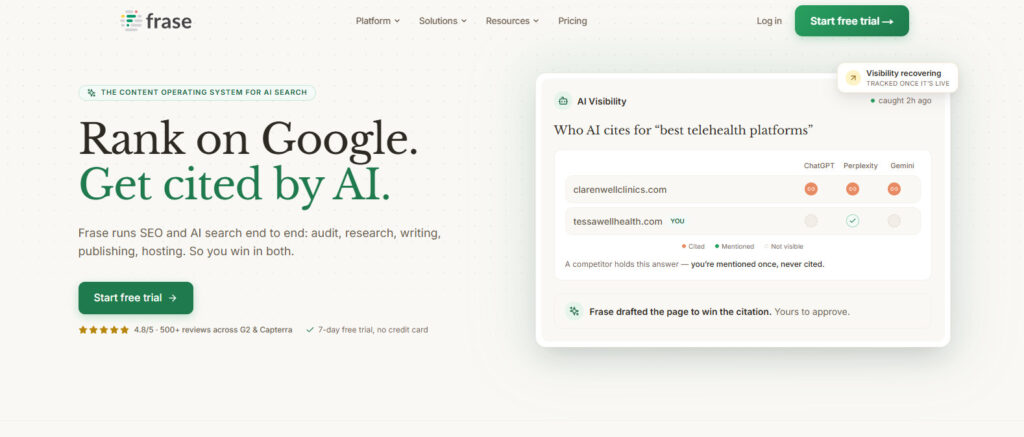
Jasper
What it does: Jasper is a marketing writing tool built around templates. It has a large library for blog intros, meta descriptions, ad copy, and email sequences, plus a Brand Voice feature that mirrors your tone from samples.
Where it wins: Short templated assets at volume. If your day is meta descriptions, ad copy, and social snippets, the template library saves real onboarding time for a junior writer.
What users complain about: Long form is where Jasper loses people. Users report a lookback limit that makes the model forget earlier sections, which produces repetitive output on blog posts. Trustpilot and Reddit both carry versions of the same note: great for short copy, weak when the piece runs past a few thousand words. Pricing per seat is the other common complaint.
The catch: Jasper is not a search strategist. It does not know what is ranking for your keyword unless you feed it that context, which means another tool for the research slice.
Pricing: Creator plan from about $59 a month on yearly billing, and it is one seat. Team plans cost more and are usually quoted custom. See the full Jasper vs ChatGPT breakdown for the math.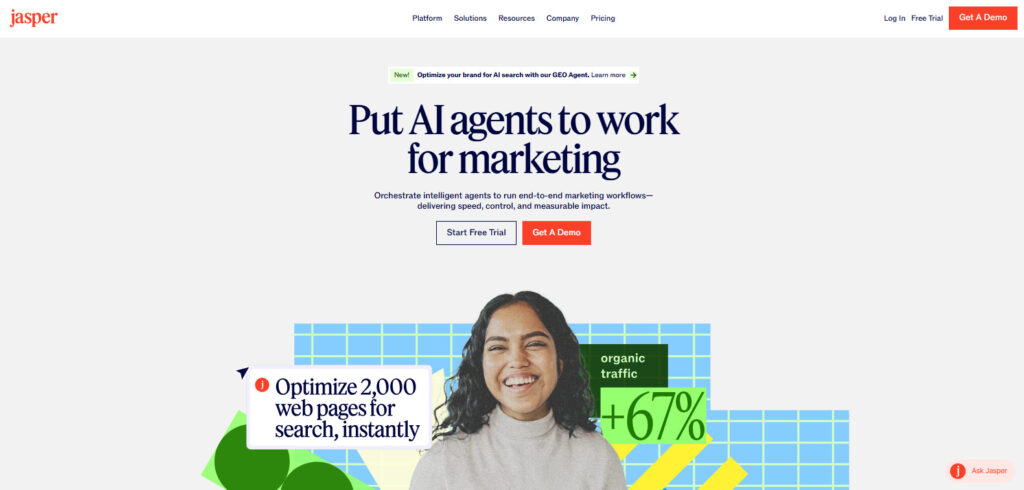
Koala
What it does: Koala is the fast one-click writer. You give it a keyword, it returns a rough draft in minutes. It runs on a credit system, and bigger models multiply the credit cost per article.
Where it wins: Speed and price on the low end. For a first pass you will heavily edit, Koala is cheap and quick. In one comparison test, Koala drafts needed about 20 to 25 percent editing, which is less than Jasper or Writesonic on the same briefs.
What users complain about: The draft is still a rough draft. Users on G2 and Reddit say the intro is generic, the tone drifts, and the facts need checking. The credit math is the second complaint: your per-post cost is hard to predict because it scales with the model you pick.
The catch: Draft speed is not the same as publish speed. If the fast draft sounds off-brand, the editing time eats the time you saved.
Pricing: Entry plans from about $9 a month. Bigger plans run $49, $99, $179, $350, and $500 a month. The credit system is the variable to watch.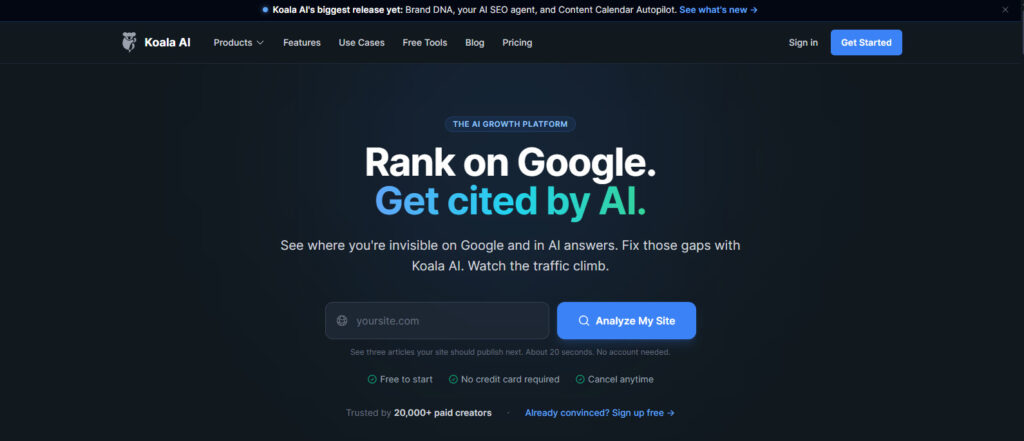
Writesonic
What it does: Writesonic sits between Jasper and Koala. It does templates, article generation, and AI article writing with a per-plan article cap.
Where it wins: Marketing-ready structure. For ads, landing pages, and SEO blog drafts, users report it gets closer to a usable first draft than the cheaper writers.
What users complain about: The tone can run salesy, the copy can bloat past the length you asked for, and the claims still need fact checking. A recurring Reddit theme is that the marketing voice sounds polished but not like you.
The catch: Writesonic is a content factory, not a system that knows your brand. Everything still gets your editing pass.
Pricing: From about $79 a month on yearly billing. Higher plans run $199 and $399 a month with article caps per plan.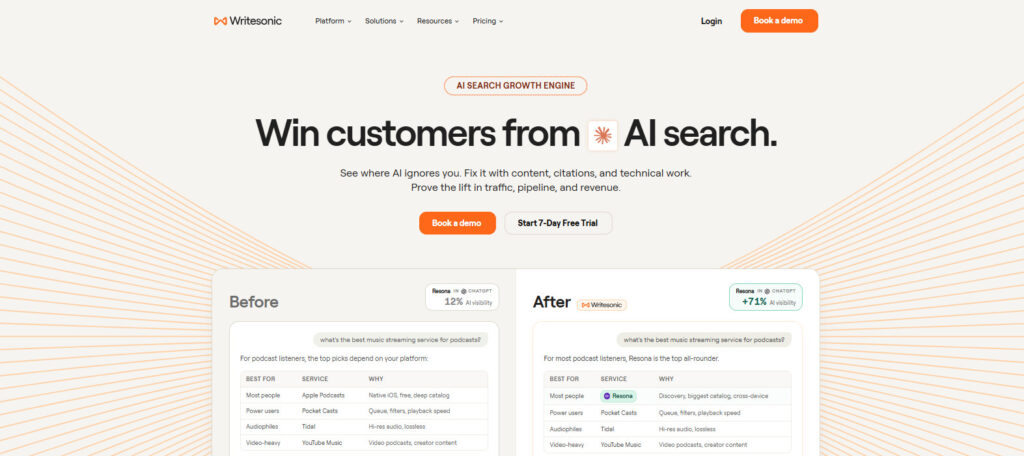
Scalenut
What it does: Scalenut bundles research, drafting, and optimization into one product aimed at a solo writer who wants one tool instead of three.
Where it wins: The all-rounder position. You get a keyword planner, an AI writer, and an optimizer without paying for three subscriptions.
What users complain about: Voice packaging is the weak spot. Users say they have to re-tell the tool who they are on each new project, and the output needs a voice pass to sound like the brand.
The catch: Scalenut covers the jobs, but it does not remember your corrections across projects the way a memory system does.
Pricing: Promo pricing has run from about $24 a month for the starter plan. List prices run roughly $59, $89, and $199 a month. Check current offers before you quote.
NeuronWriter
What it does: NeuronWriter is a smaller tool built around SERP analysis and content scoring. It shows what the top pages contain and scores your draft against them.
Where it wins: Cheap, real SERP data. If you write in another tool and just want a scoring layer, NeuronWriter prices like a small tool.
What users complain about: It is not a finished-copy writer. Users treat it as a research and scoring layer, which means you still need a writing tool beside it.
Pricing: From about $19 a month on yearly billing. Upper plans run roughly $37, $57, $77, and $97 a month.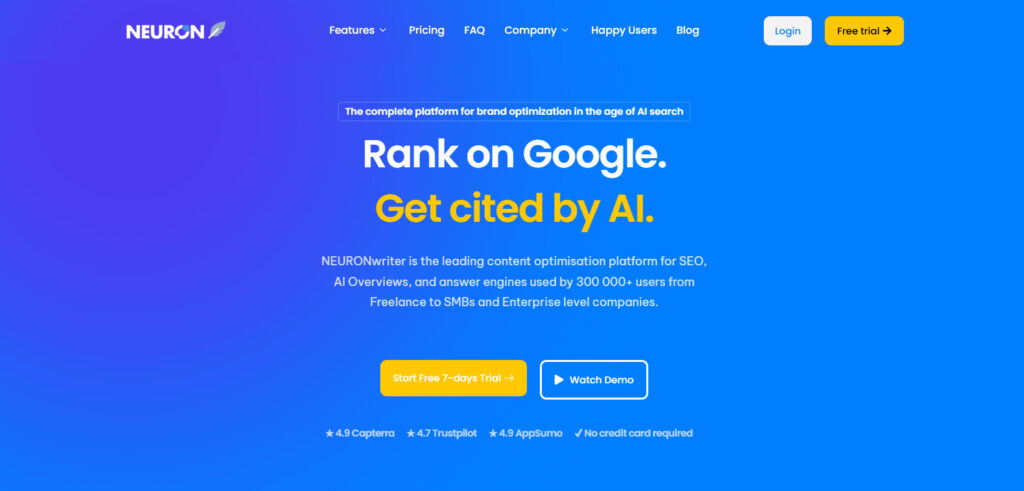
SurgeGraph
What it does: SurgeGraph is a data-driven writer that added AI visibility and citation features to its pitch. It targets the GEO angle directly.
Where it wins: The AEO focus. For solo writers who want SEO and AI-visibility features in one cheap tool, the feature set is honest for the price.
What users complain about: It is still the same pattern under the hood: research, draft, score, hand the work back. Users on review sites say it shortens drafting time, and then they still carry the voice and research themselves.
Pricing: From about $32.50 a month on yearly billing. Higher plans run roughly $65.83 and $107.50 a month.
Clearscope
What it does: Clearscope is the enterprise version of the scoring slice. It scores content against top results, checks term coverage, and plugs into larger content libraries.
Where it wins: Teams that already produce drafts and need a consistent scoring layer across many writers.
What users complain about: Price is the recurring theme, and it does not write. The content library requires real setup, which is fine for a big team and heavy for a small one.
Pricing: From about $129 a month for the entry plan, with higher plans around $399 and custom pricing above that.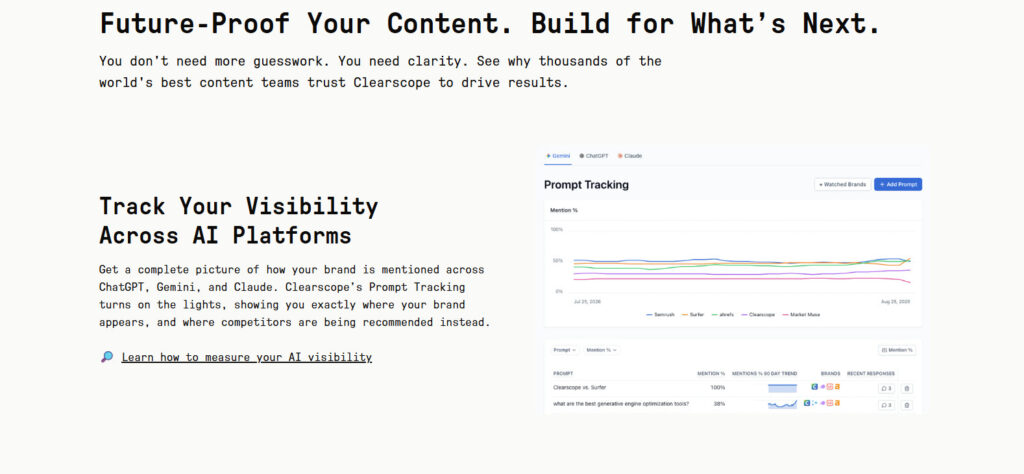
The Small Tools Worth Knowing
These five are writing focused and cheap, and each one has a specific ceiling you should know before you pay.
Rytr
What it does: A budget short-form writer. Captions, emails, product blurbs, quick social snippets.
Where it wins: Price. It has a free tier and a paid tier under ten dollars a month.
The catch: It cannot carry a long-form SEO program. Treat it as a snippet generator, not an article writer.
Pricing: Free tier available, then roughly $7.50 and $24.16 a month.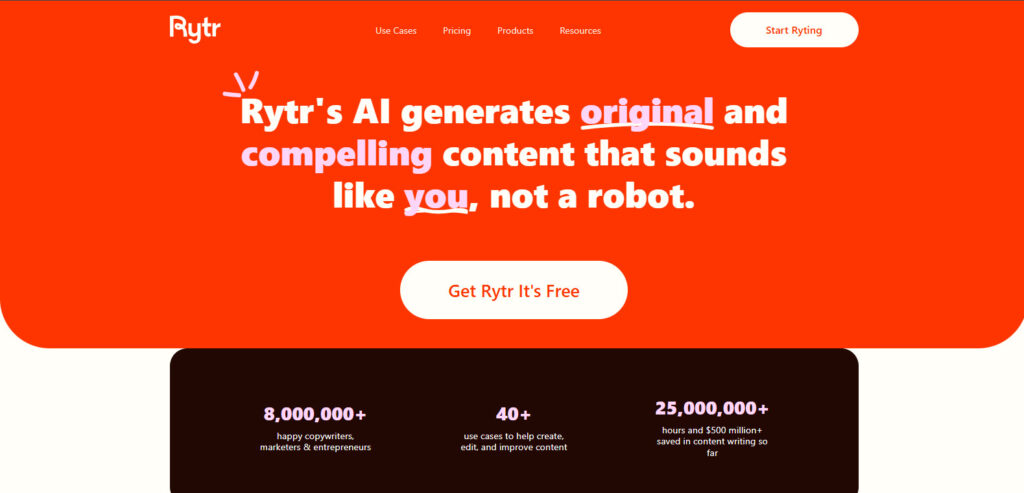
Longshot
What it does: A credit-based writer that tries to do research, drafting, and optimization in one small package.
Where it wins: The all-in-one idea at a low entry price.
The catch: The credit math eats your margin when you scale. Users report running out of credits before a full month of blog production is done.
Pricing: Credit-based, with paid plans commonly around $19.90 to $29.90 a month depending on the package. Verify current pricing.
WriterZen
What it does: A keyword research and content workflow tool that sells lifetime access on a one-time fee.
Where it wins: The one-time payment. No monthly subscription is genuinely attractive if you are done paying for software.
The catch: A lifetime license is lifetime access to the software, not to finished drafts. You still do the thinking, the voice work, and the editing. Users who bought it for writing are the ones who feel the gap hardest.
Pricing: One-time plans commonly around $135, $270, and $405 depending on tier.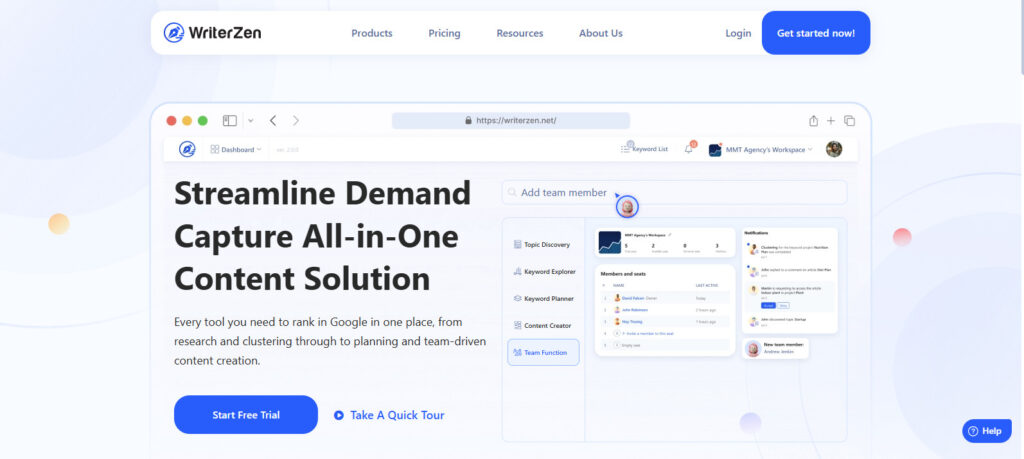
SEOwind
What it does: An agency-grade content platform with white-label pricing for teams that sell content as a service.
Where it wins: The white-label and team workflow features. If you resell content, this is built for that model.
The catch: It is priced for that model too. A solo writer pays agency rates for features they will not use.
Pricing: Platform from about $189 a month, with white-label and service plans running far higher.
MarketMuse
What it does: Research and optimization against a large content library, aimed at teams that manage hundreds of pages.
Where it wins: Depth across a big library. It finds gaps across a whole site, not just one article.
The catch: It is demo-priced, not list-priced. Heavy for a solo writer and requires real setup.
Pricing: Custom pricing by demo. Budget enterprise money.
I tried two of these smaller tools on paid plans and could not get one publishable blog out before the caps blocked me. The free tier is a taste. The paid tier on the small tools is often a tighter cap than the free tier on the big ones. That is the part nobody puts on the landing page.
Where Every AI SEO Writing Tool Stops
Here is the pattern all of the tools above share. They hand the work back to you. The draft is done. The voice, the research, and the memory are still yours to carry.
The waffle and the slop also persist in most of these tools for a reason nobody puts in the demo. You do not control the model’s behavior. The vendor’s system prompt and harness do. It works for some people and not for others, and when it does not work, you cannot fix it. A better template does not help if the model underneath keeps drifting off-brand.
That is also why making ChatGPT give honest answers is such a fight. The behavior belongs to the harness, not to you.
Most teams I watch run two or three of these tools and paste between them. The voice card, the research, the client context. Half the morning is moving information that should have been in one place. That is the AI mental load in action.
OpenCraft AI: The Pipeline That Holds the Thread
OpenCraft AI takes the other approach. Instead of owning one slice, it runs the whole pipeline and remembers what you taught it.
It drafts in one pass and keeps your voice consistent because it does not reset between sessions. It runs on open models, so if one model stalls or starts producing weak copy, another takes over without you re-prompting. And it works in a sandbox, so the research, the draft, and the finishing step all run in one place without you pasting between tabs.
The memory is the part that matters most for SEO writing. Think of it like how a good assistant catalogs work. They do not re-read every brief you ever wrote. They keep a catalog of what works and learn from each job. OpenCraft AI treats that loop as the default, not something you set up yourself in Claude or another assistant.
One agency owner puts the result plainly: “Ocai drafts in one pass, we edit, we bill, we scale.”
A freelance strategist describes the memory effect: “It remembers my projects now. The tenth brief comes back sharper than the first.”
That compounding is the difference between a tool you drive and a system that finishes the work. If you have hit the limit wall on other assistants, see why power users are walking away from usage limits.
Our Real SEO Blog Workflow: 12 to 16 Blogs a Sprint
Here is the workflow the tools above cannot do unaided.
We run content in sprints here. A sprint is 12 to 16 blogs produced in a focused window, and 2 to 4 of them land on the front page, including inside AI answers.
The writing starts as a 15 to 20 minute Wispr flow into OpenCraft AI. Speak the need, feed the brief, and the system builds instead of answering. The brief is what does the heavy lifting, not the prompt. The difference between a topic and a brief is where most drafts die.
❌ Topic: “Write a post about SEO writing tools.”
✅ Brief: “Audience: in-house content teams stacking Surfer and ChatGPT. Angle: what each tool actually does and where it stops. Include verified pricing, a neutral comparison table, and a decision rule at the end. Banned: game-changer, unlock, em dashes.”
The brief draft comes back usable. The topic draft comes back as a listicle you would not publish.
Early on, review every piece. After a point the agent has learned enough that review becomes a check, not a rewrite. That is when semi-auto SEO starts to pay, because the results you link back teach it what works, and it scales from there.
For the research side of the same workflow, see the competitor research tools I tested.
AI SEO Writing Tool Pricing Compared
All prices are list prices as of the date of writing and they change. Verify before you quote them.
| Tool | Entry price (billed yearly) | What it does best | Hard limit to know |
|---|---|---|---|
| Surfer | from about $49/mo | Scoring and AI visibility tracking | Does not write the copy |
| Frase | from about $39/mo | Research-led outlines and publishing | Article caps and overages |
| Jasper | from about $59/mo | Templated short assets | Lookback limits on long form |
| Koala | from about $9/mo | Fast one-click rough drafts | Credit cost scales with models |
| Writesonic | from about $79/mo | Marketing-ready article drafts | Article caps per plan |
| Scalenut | from about $24/mo | All-rounder for solo writers | Light voice packaging |
| NeuronWriter | from about $19/mo | Cheap SERP analysis and scoring | No finished copy |
| SurgeGraph | from about $32.50/mo | Data-driven writing and AEO | Still hands the work back |
| Clearscope | from about $129/mo | Enterprise scoring | Does not write |
| Rytr | from about $7.50/mo | Short-form snippets | Not for long-form programs |
| Longshot | credit-based | Small all-in-one | Credit math at scale |
| WriterZen | one-time fee | Lifetime license | Editing burden stays on you |
| SEOwind | from about $189/mo | White-label agency content | Priced for agencies |
| MarketMuse | demo pricing | Site-wide content gaps | Heavy setup |
| OpenCraft AI | pay-as-you-go credits | Full pipeline with memory | You still approve the final pass |
Before you add a fourth subscription, run the ROI math on the stack you are already paying for.
How to Choose the Best AI SEO Writing Tool for Your Team
Use the decision rule, not the demo.
If your drafts are already strong and you only need a score, buy Surfer or Clearscope. Nothing else changes.
If you produce short templated assets at volume, Jasper pays for itself.
If you keep getting outranked because you miss subtopics, Frase’s research side is worth it, caps included.
If your real complaint is that the output sounds off-brand and you keep carrying the voice and the research between tabs, you do not need a fourth score. You need a system that holds the thread.
Most teams I watch run two or three tools and paste between them. A system with memory changes that math. The draft arrives with the research, the voice, and the structure already applied, and your review becomes a check instead of a rewrite.
Try OpenCraft AI free. Start with your 100 free credits and run one real brief through it before you decide. The wrong choice is expensive. The test is free.
FAQ
What is the best AI tool for SEO writing overall?
The one that holds your voice, research, and memory so you stop being the thread. For pure scoring, Surfer or Clearscope. For templates, Jasper. For research-led outlines, Frase. For the full pipeline with compounding memory, OpenCraft AI.
Can one tool do research, drafting, and optimization?
Most claim to now. Almost all stop at the same point: they hand the work back to you. Few hold memory across sessions, which is where the time actually goes.
Do I need a separate SEO scorer?
Not if your drafts already rank. If you know the SERP structure for your keyword, correct headings and keyword placement beat a score.
How much editing should I expect with AI SEO writing tools?
Enough that the piece is factually safe and sounds like you. The goal is one pass to publish-ready, not zero passes. As the system learns you, review becomes a check instead of a rewrite.
What about AI visibility and GEO?
It means ranking in the AI answers people use, not just on Google. Every vendor now sells it. Ask how it is measured and where the data comes from.
The Short Version
Match the tool to the slice you are missing: Surfer scores, Frase researches, Jasper templates, Koala drafts. If the missing slice is the whole pipeline, and you are tired of pasting the same voice card into four tabs, OpenCraft AI is the one that holds the thread.