Poe gives you access to dozens of AI models in one place. That part works. The problem starts when you try to use it for actual work, the kind with deadlines, clients, and files that need to survive past Tuesday.
A consultant uploads a 40-page contract to Poe for analysis. The bot reads it. The consultant asks follow-up questions. Then the session ends, and the next morning both the file and the context are gone. The consultant starts over. This is the same context loss that drives professionals away from chat-only AI in the first place: once you have to re-paste your project history into a blank window, the tool has stopped helping you work.
This is the ceiling that drives professionals to search for Poe alternatives. Poe handles what it was built for. It was not built for what they need.
What Poe Gets Right
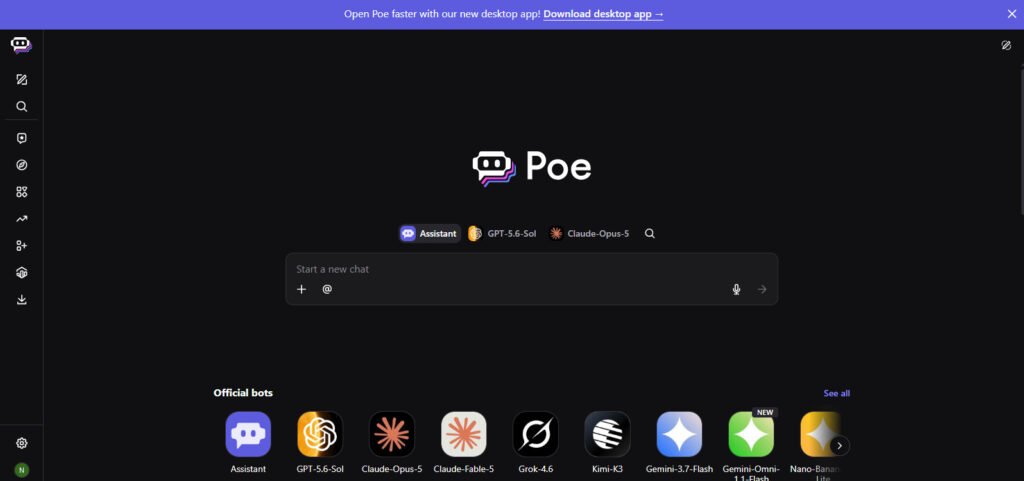
Poe, built by Quora, launched in 2023 as a way to access multiple AI models through a single interface. The core idea is sound: instead of maintaining separate subscriptions to ChatGPT, Claude, and Gemini, you get them all in one app. That consolidation alone is worth real money to people who were quietly paying for three overlapping tools.
In April 2024, Poe added multi-bot chat. This feature lets you switch between AI models within a single conversation. The context carries over. You can start a draft with one model, switch to another for a different perspective, and the second bot picks up where the first left off. That is a genuine capability, and it works.
Poe also has a bot marketplace where users can create and share custom bots. The model selection has kept pace with the frontier: current plans cover GPT-5.5, Claude Opus 4.7, Gemini 3.5 Flash, Nano Banana Pro, and Veo 3.1, alongside dozens of community-built bots.
For casual use like quick questions, light drafting, or experimenting with different models, Poe handles the job.
Where Poe Hits a Ceiling for Professionals
The friction starts when the work gets serious.
Compute points run out mid-task. Poe uses a “compute point” system. Each message costs points based on the model and message length. The free tier now gives roughly 10,000 points per day, which sounds generous until you check what premium models cost per message. Paid plans are billed yearly at $49.99, $199.99, $499.99, $999.99, and $2,499.99, roughly $4 to $208 per month, granting between 660,000 and 8.3 million points monthly. Points do not roll over. For a professional doing deep analysis across multiple documents, the points disappear fast: the same usage-limit trap that pushed power users away from Anthropic’s rate caps.
Files do not persist across sessions. Poe supports file uploads, but only within a single conversation. Close the chat, and the file is gone. Start a new conversation tomorrow, and you are uploading the same document again. For someone working with the same set of client files over weeks, this means repeated manual work that should not be necessary.
There is no persistent workspace. Every conversation is an island. You cannot reference last week’s analysis in today’s conversation, which is precisely the context amnesia that forces professionals to re-explain themselves to a blank slate.
Poe is a chatbot interface. There is no document creation pipeline, no multi-step automation, no way to chain tasks together. You ask, it answers. That is the entire loop, a stark contrast to workflow tools built around content creation and execution.
What Professionals Actually Need from a Poe Alternative
Before looking at specific tools, it helps to define what “better than Poe” means for professional use. Five criteria separate a chat tool from a work tool:
- File persistence across sessions. Upload a document once. Reference it in any future conversation. This is the difference between a tool that assists work and one that resets every time you close the tab.
- Enterprise-grade security. SOC 2 compliance, no training on user data, encryption at rest and in transit. If you are handling client information, these are procurement requirements, and the stakes of getting them wrong are exactly what blanket data bans were meant to prevent.
- Context that survives session boundaries. Context should carry across conversations and across models. The work done yesterday should inform the work done today.
- Workflow capabilities beyond chat. Document creation, deep analysis, and voice control. Features that turn AI from a question-answering machine into a work partner.
- Cost predictability. A subscription model where you know what you are paying each month, without watching a point counter drain in real time.
The Best Alternatives
1.TypingMind
TypingMind takes a different approach: bring your own API keys. Instead of paying TypingMind for model access, you connect your own OpenAI, Anthropic, or Google API keys and pay the providers directly.
The interface is clean and fast. Power users appreciate the control. You choose exactly which model you are using and what you are paying for it. Customization options include prompt templates, conversation folders, and a one-time license purchase rather than a subscription. TypingMind has also matured on the security side: it now advertises SOC 2 and HIPAA compliance and offers an enterprise portal with member management for teams.
Where it still falls short for professional use: file persistence depends on the cloud tier, collaboration features are lighter than dedicated team platforms, and BYOK means you carry the billing and rate-limit risk yourself. It remains a tool for technical solo users who want maximum control over their API usage rather than a managed workspace.
Best fit: Developers and technical solo users who want direct API access. Consider it if you want a one-time cost and bring-your-own-key control.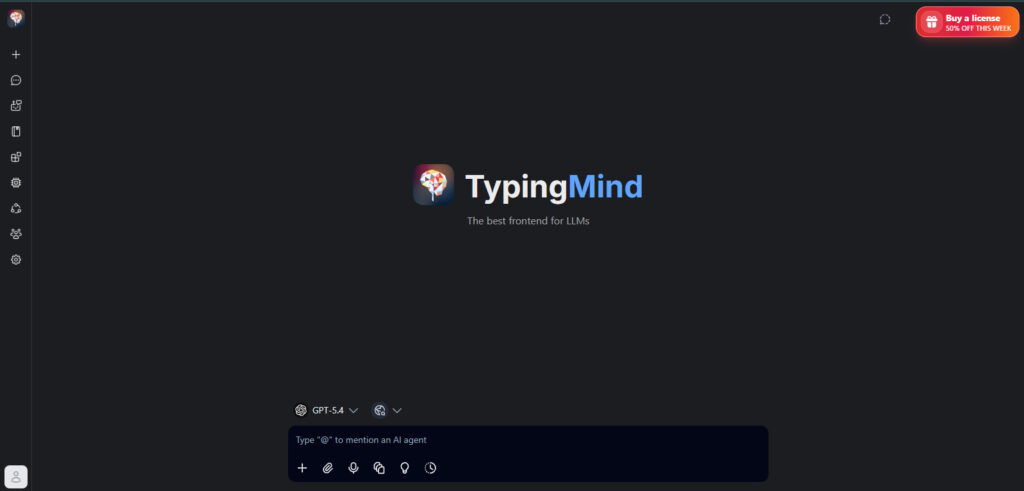
2.OpenRouter
OpenRouter is an API routing layer. It provides a single API endpoint that routes requests to multiple AI providers, including OpenAI, Anthropic, Google, and Mistral, on a pay-per-use basis.
For developers building AI applications, OpenRouter solves a real problem: one integration, many models, unified billing. The pay-per-use pricing means you only pay for what you consume, and the routing layer lets you swap providers without rewriting your application, the same decoupling of the model layer from the application layer that sovereignty-focused architects now treat as table stakes.
OpenRouter has no user interface, workspace, file management, or chat experience. It is infrastructure for people who build their own tools. If you are looking for a Poe alternative that you can sit down and use, OpenRouter is a component someone else would use to build one.
Best fit: Developers building AI applications. Everyone else should look elsewhere.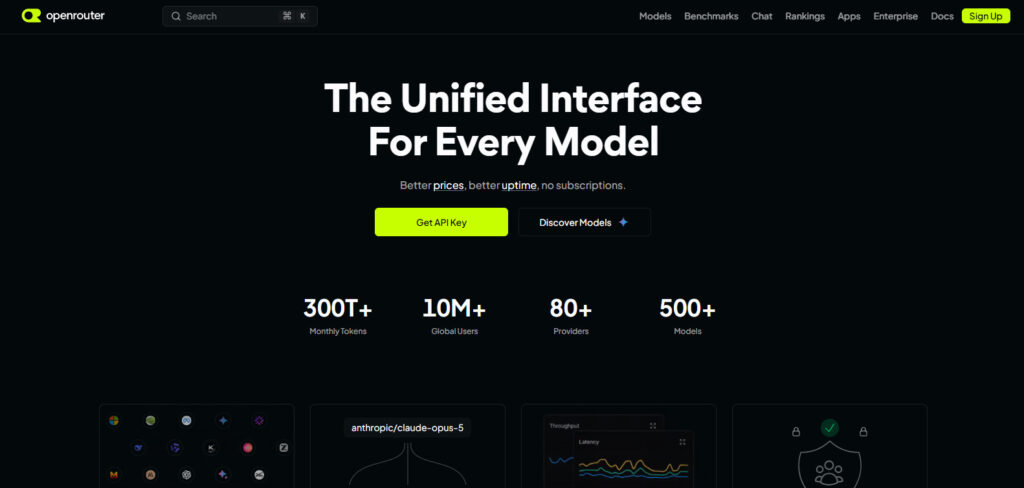
3.LibreChat
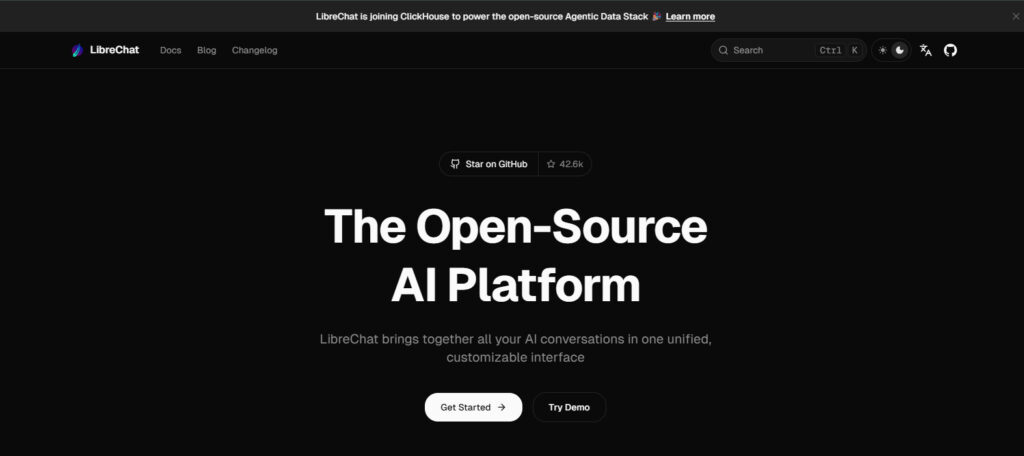
LibreChat is the open-source option. It is free, self-hosted, and community-driven. You install it on your own server, connect your API keys, and get a multi-model chat interface that looks and feels similar to ChatGPT. It has grown into one of the most complete open-source AI platforms, with over 42,000 GitHub stars, agents, a code interpreter, MCP tool support, persistent memory, and enterprise-ready SSO through OAuth, SAML, and LDAP.
The appeal is obvious: no subscription fees, full data control since everything runs on your infrastructure, and an active community contributing plugins and improvements. For organizations with technical staff who can manage a self-hosted deployment, LibreChat offers the flexibility that open-source AI advocates argue is no longer optional, because owning your infrastructure is the only way to control your data.
The tradeoff is operational burden. You are responsible for setup, maintenance, security patching, and updates. There is no managed security certification, no dedicated support, and no guarantee of uptime. For a solo developer who enjoys tinkering, that is fine. For a consultant who needs to bill hours and serve clients, the time spent maintaining infrastructure is time not spent on billable work, the same operational catch that comes with self-hosting open-weight models.
Best fit: Technical teams with DevOps capacity. Pass if you lack technical staff or need managed enterprise certifications.
4.Perplexity
Perplexity occupies a different category. It is a research-focused AI tool that grounds its answers in web sources, citing specific URLs for each claim. The Pro version at $20 per month gives access to models like GPT and Claude, with the ability to toggle between them for research tasks. Perplexity has also added an Enterprise plan with SOC 2 Type II compliance, SSO, SCIM, and HIPAA coverage, so the old “no enterprise security” label no longer applies.
For research tasks like “What are the latest developments in EU AI regulation?”, Perplexity is strong. The web grounding means answers come with sources you can verify, which is valuable for professional research.
Perplexity is a research engine that uses AI models. You cannot carry a persistent file workspace across projects the way a dedicated platform can. It serves a different purpose than a multi-model workspace, which is why it shines for cited research rather than for running long-running client work.
Best fit: Researchers who need cited answers. Look elsewhere for persistent file workflows.
5.OpenCraft AI
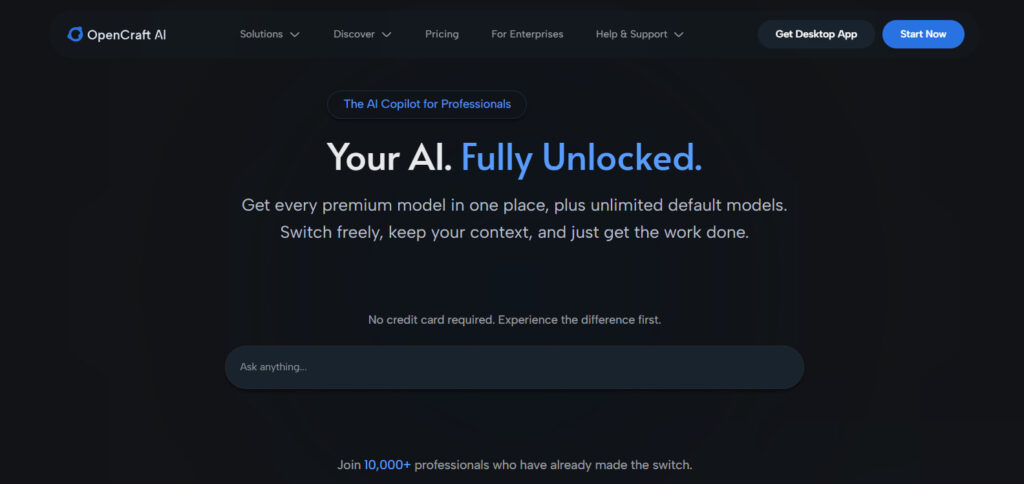
OpenCraft AI is built for the professional who hit Poe’s ceiling and needs to keep going.
The core difference is persistence. Files uploaded to OpenCraft AI stay accessible across all sessions and conversations. Upload a client contract today, start a new project next week, and the file is still there, without re-uploading or starting over. The platform’s AI agent manages memory and context autonomously, deciding how and where to store information. Users who want more control can manage this themselves.
Context flows between models. Switch from GPT to Claude to Gemini within a single thread, and the conversation history carries over. This matches Poe’s multi-bot chat capability, and extends it with the persistent workspace layer that Poe lacks. Where Poe resets between sessions, OpenCraft AI’s persistent memory means yesterday’s decisions stay in the thread.
The feature set goes beyond chat. OpenCraft AI supports AI-first document creation, deep file analysis, image generation, and adaptive voice control. These are workflow capabilities. They turn AI from a question-answering tool into something that participates in the work itself. For business owners who juggle proposals, client email, and research in the same day, that combination is the entire point: one tool that covers the work instead of five that each do a slice.
On security: SOC 2 compliance, encryption at rest and in transit, and a stated policy of no training on user data. For consultants, agencies, and founders handling client information, these are the checkboxes that make a tool procurement-ready.
Best fit: Consultants, agency owners, and founders who need persistent file access, multi-model workflows, and enterprise security in one platform. Skip if you just want casual chat.
Comparison at a Glance
| Feature | Poe | TypingMind | OpenRouter | LibreChat | Perplexity | OpenCraft AI |
|---|---|---|---|---|---|---|
| Multi-model access | Yes | Yes (BYOK) | Yes (API) | Yes (BYOK) | Yes (Pro) | Yes |
| Context across models | Yes | Partial | N/A | Partial | Limited | Yes |
| File persistence across sessions | No | Cloud tier only | No | Yes (self-hosted) | No | Yes |
| Enterprise security (SOC 2) | No | Yes (SOC 2, HIPAA) | No | SSO only, self-managed | Yes (Enterprise) | Yes |
| Workflow capabilities | No | Partial | No | Yes (agents, code) | Research only | Yes |
| Self-hosted option | No | Yes | No | Yes | No | No |
| Pricing model | Yearly points plans | One-time + BYOK | Pay-per-use | Free (self-hosted) | $20/mo + Enterprise | Subscription |
FAQ
Is Poe shutting down?
No. Poe is actively developed by Quora and continues to add features. The reason to look for alternatives is that professional workflows outgrow what Poe was designed to do. For a sense of what an actual model shutdown looks like, and why single-model dependency is a real risk, the Fable 5 incident is the clearest recent example.
Can Poe carry context between different AI models?
Yes. Poe’s multi-bot chat feature, launched in April 2024, allows switching between models within a single conversation while preserving context. This is a genuine strength.
Does Poe support file uploads?
Yes, but with limitations. File upload support depends on the specific bot, and files do not persist across sessions. Each new conversation starts fresh.
What is the cheapest Poe alternative?
LibreChat is free if you self-host. OpenRouter charges per API call with no subscription. TypingMind is a one-time purchase plus your own API costs. Perplexity and OpenCraft AI use subscription models. If you are juggling several paid tools, an audit of what you actually use usually reveals most people can cut $50 or more a month.
Does OpenCraft AI train on user data?
No. OpenCraft AI states that user data is not used for training, and the platform holds SOC 2 compliance with encryption at rest and in transit.
Stop Switching Tools. Start Finishing Work.
Poe solved a real problem: accessing multiple AI models without juggling subscriptions. But access is table stakes. The work that professionals do, analyzing contracts, managing client files, producing content, requires tools that persist, secure, and scale. The constant tab-switching between half-a-dozen tools is itself a tax on your attention and your time, one that compounds productivity costs in ways people rarely price in.
If you have hit the ceiling, the alternatives above cover different needs. TypingMind for API control. OpenRouter for building. LibreChat for self-hosting. Perplexity for research. OpenCraft AI for the professional who needs all of it in one workspace.
Try OpenCraft AI free and see what persistent AI workflows look like.