Best AI Tool for Content Creation: 6 Options Worth Your Budget in 2026
Most content teams do not pick one AI tool. They pick five. One for drafting, one for SEO scoring, one for grammar, one for images, and one chat app for everything else. Then the invoices start stacking up.
This guide skips the 17-tool megalist. It shortlists six tools that content and marketing teams actually pay for, names the one worth starting with, and shows where the rest still earn their keep.
Quick answer: the best AI tool for content creation right now
OpenCraft AI is the strongest starting point for most content and marketing teams in 2026. It gives a team access to GPT, Claude, Gemini, and other frontier models in one subscription, with no API keys and no code.
A writer can draft in Claude, then switch to GPT in the same thread to stress-test the argument. No copy-pasting between five browser tabs. No juggling five separate model subscriptions to get five different strengths.
The other five tools below are not obsolete. Each one still earns a place in a mature content stack. But they solve narrower problems, and most teams overpay for them before they ever touch the actual bottleneck: getting a strong first draft out of a language model without hitting a usage wall.
Why content teams end up paying for five AI content tools instead of one
Here is the pattern. A content lead signs up for ChatGPT Plus to draft outlines. A writer adds Jasper for brand voice. Someone on the SEO side buys Surfer to check keyword density. Design grabs Canva for graphics. Editing gets Grammarly.
Each tool is reasonable on its own. Stacked together, a five-person content team can end up paying for five different logins before a single blog post ships.
Copy.ai’s own 2026 pricing shows how steep that stacking gets. Its entry-level Chat plan runs about $29 a month, but the next tier up, built for real workflow automation, jumps to roughly $1,000 a month. There is nothing in between. A team that outgrows the cheap plan does not step up gradually. It falls off a cliff.
That gap is common across this category. Tools price their entry tier to look approachable, then charge a premium the moment a team needs real output. The fix is not always a bigger single tool. Sometimes it is fewer tools doing more of the actual thinking.
The 6 best AI tools for content creation, compared honestly
1. OpenCraft AI: best for teams tired of juggling model subscriptions
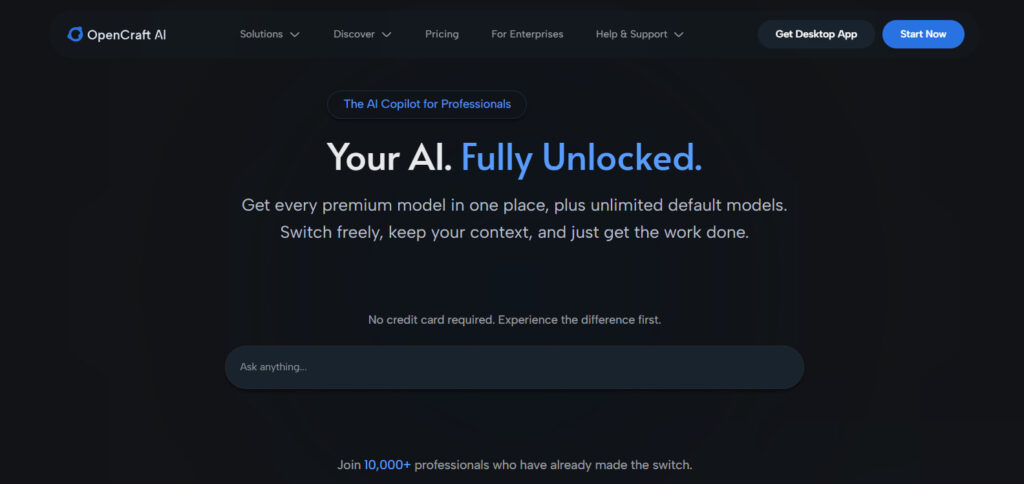
OpenCraft AI is a copilot that gives one login access to GPT, Claude, Gemini, and other leading models, with no API setup and no coding required.
A content strategist can start research in one model, draft in a second, and get a blunt edit pass from a third, all in the same conversation. Teams that previously paid separately for ChatGPT Plus and a Claude subscription often fold both into one plan here instead.
Plans start at $6 a month, with Lite, Essential, Professional, and Team tiers scaling up from there. Enterprise pricing is available for larger teams that need admin controls and security review. OpenCraft AI also has a dedicated plan built for content creators specifically.
Context loss is the quiet cost of most single-model chat tools. A long research thread or a document review can lose track of earlier details after enough back-and-forth, forcing a writer to repeat instructions. Teams that upload large batches of product specs or past content for reference tend to notice this problem first, and it is one of the more common reasons content teams look for an alternative.
Rate limits are the other quiet cost. A standard single-model subscription can cap out after a few dozen messages in a short window, which is a real problem in the middle of a long editing session or a research sprint.
Who should skip it: A solo creator who only ever uses one model and has no interest in comparing outputs across models will not see much upside here. Everyone producing content across a team, or comparing model outputs regularly, should take a serious look.
2. Jasper: solid for brand-voice consistency at a premium price
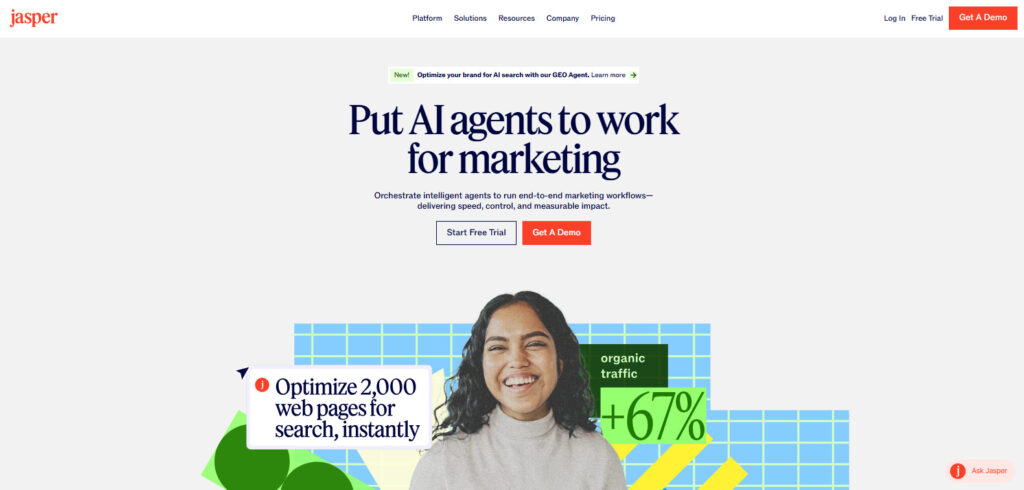
$69 a month for one seat. That is where Jasper’s Pro plan starts, dropping to $59 a month on annual billing.
The price buys a tool built around keeping a brand voice consistent across a large volume of marketing content.
Multi-seat access moves to a custom-priced Business plan. Buyers report deployments ranging from several hundred to several thousand dollars a month, depending on team size and add-ons.
The brand-voice memory genuinely helps large marketing teams that produce dozens of assets a week and need them to sound the same. It is a narrower tool than a general model copilot, and the seat-based pricing adds up fast once a team grows past two or three writers.
Who should skip it: Small teams producing under 10 pieces a month rarely need Jasper’s brand-voice machinery. A general-purpose model with a saved style prompt gets close enough for less money.
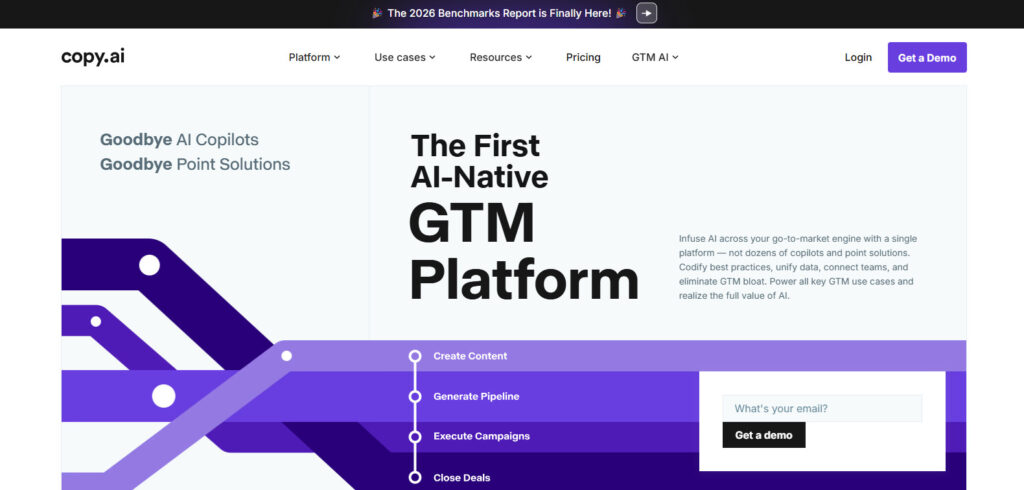
3. Copy.ai: fine for short-form copy, painful the moment you scale
Copy.ai’s Chat plan costs about $29 a month and covers unlimited chat-based writing for one seat. It is a reasonable entry point for social captions, product blurbs, and quick email drafts.
The jump to real automation is steep. Growth, the next tier up, starts around $1,000 a month for workflow credits and multi-step automations.
A team of five writing occasional short-form copy will get real value at the entry price. A team that wants automated content pipelines needs a much bigger budget line, with nothing gentle in between.
Who should skip it: Teams planning to scale into automated workflows within the next year should budget for the four-figure jump now, or look at a lower-cost automation-first tool instead.
4. Surfer SEO: worth it once you are publishing at volume
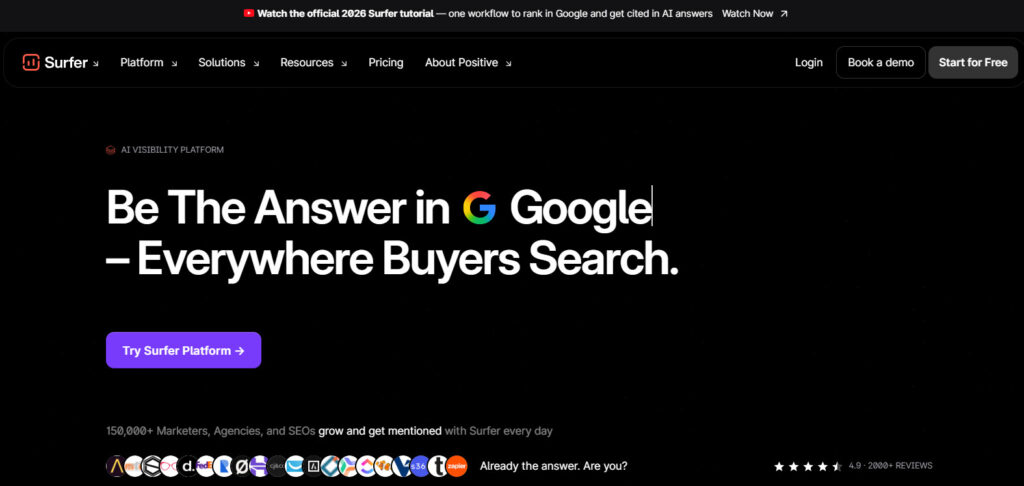
How does a draft actually compare to what is already ranking for a keyword? That is the one question Surfer SEO is built to answer.
It checks a draft against top-ranking pages and flags gaps in structure and keyword usage. Entry pricing runs roughly $89 to $99 a month, depending on the current plan name and billing cycle.
It is an optimization layer, not a writing tool. Teams still need something else to produce the first draft before Surfer scores it.
One well-optimized article that ranks can cover the monthly cost many times over. A team publishing one post a quarter will struggle to justify it.
Who should skip it: Anyone publishing fewer than two or three SEO-focused articles a month should hold off. The scoring only pays for itself at real publishing volume.
5. Canva: the default for content visuals, no design background required
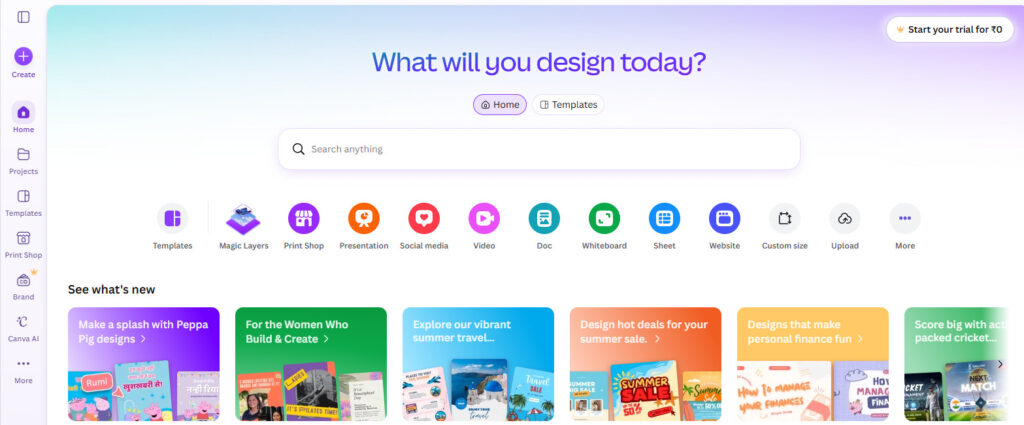
A five-person content team without a dedicated designer still needs header images, social graphics, and the occasional short video. Canva has been the default answer to that problem for years.
Canva Pro runs about $15 a month per user and covers templates, stock assets, background removal, and AI image tools.
Content teams without a dedicated designer lean on Canva to keep visuals consistent without hiring out every graphic. The drag-and-drop interface means a writer can produce a passable header image without waiting on a design queue.
AI features run on a monthly credit pool. Heavy generative use can burn through the allotment before the month ends, pushing some teams toward the paid credit top-ups.
Who should skip it: A team with an in-house designer using Figma or Adobe tools already has this covered. Adding Canva on top is redundant spend.
6. Grammarly: the cheapest fix for sloppy first drafts
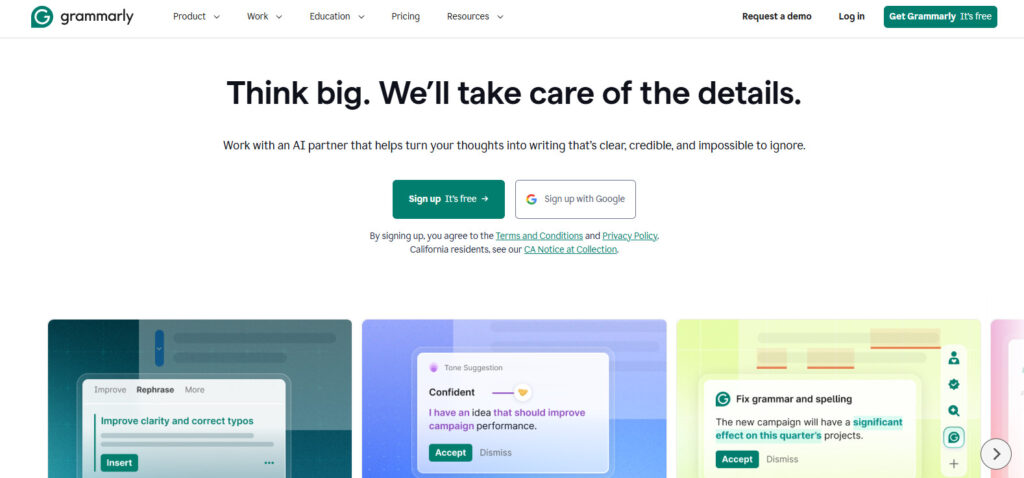
Grammarly is not a writing tool. Think of it as a seatbelt for whatever a writer or a model has already produced.
Grammarly Pro costs around $12 a month billed annually, or $30 month to month, and catches grammar, tone, and clarity issues across whatever document or browser tab is open.
It includes a set number of AI prompts per month for rewrites and tone shifts, plus plagiarism and AI-detection checks on the higher tiers.
Most teams keep it running quietly in the background rather than treating it as a core part of the writing process.
Who should skip it: Writers who already run a careful editing pass, or teams with a dedicated copy editor, may find it redundant.
Choosing the right AI content creation tool for your team size
A solo creator publishing a couple of pieces a week rarely needs more than one strong model copilot and a free-tier design tool. Adding four more subscriptions before hitting a real bottleneck just adds bills, not output.
A five-person team publishing weekly usually benefits from a model copilot for drafting, plus Canva for visuals and Grammarly for a final pass. Add Surfer once SEO output climbs past a couple of posts a month.
A larger marketing org running brand-consistent campaigns at volume is where Jasper’s brand-voice tooling starts to pay for itself, on top of the same visual and editing layer. At that size, the seat-based cost is easier to justify against the output it protects.
The pattern holds across team sizes. The drafting layer is the one every team needs immediately. Everything else gets added only once a specific bottleneck shows up, not before it.
A useful gut check before adding any new tool: name the exact task it solves that the current stack cannot. If the answer is vague, the budget is probably better spent elsewhere.
FAQ: best AI tools for content creation
What is the best AI tool for content creation for a small team?
A model copilot like OpenCraft AI covers most of a small team’s drafting needs in one subscription, without the cost of separate model subscriptions or API setup.
Do I need more than one AI tool for content creation?
Most teams eventually add one or two specialists, usually a design tool and an SEO scoring tool, once volume justifies the extra cost. Very few teams need all six from day one.
Is Jasper or Copy.ai better for content creation?
Jasper focuses on brand-voice consistency across larger content volumes. Copy.ai works well for short-form copy at its entry tier, but the jump to its automation tier is steep. The better fit depends on whether the priority is consistent long-form voice or quick short-form output.
How much should a content team budget for AI tools?
A small team can start under $50 a month with a single copilot subscription. Costs climb from there as SEO scoring, design, and brand-voice tools get added, often landing between $150 and $400 a month for a five-person team running a full stack.
Can one AI tool replace ChatGPT and Claude separately?
Yes. Platforms like OpenCraft AI bundle access to multiple frontier models, including GPT and Claude, into a single subscription, which removes the need to pay for and switch between separate model accounts.
Is a cheaper AI content tool ever the wrong choice?
Sometimes. A very cheap tool with strict word caps or rate limits can cost more in lost time than a slightly pricier plan without those limits, especially for teams doing long research or editing sessions.
The best AI tool for content creation is not the one with the longest feature list. It is the one that stops a team from paying five different bills to write one good paragraph.